

Autodesk stands as a pioneering force in the realm of design and engineering software, empowering professionals across diverse sectors to innovate and realize complex projects with unparalleled precision and efficiency. Founded in 1982, the company has evolved into a global leader, delivering cutting-edge tools that facilitate everything from intricate 2D drafting to immersive 3D modeling and simulation. With a robust portfolio of solutions, Autodesk enables creators in architecture, engineering, manufacturing, and media to transform ideas into reality, leveraging advanced technologies like cloud computing, AI, and generative design to drive sustainability and productivity.
Exploring the Essence of Autodesk
Autodesk represents a comprehensive ecosystem of software solutions developed by Autodesk Inc., a multinational corporation headquartered in San Francisco, California. Established over four decades ago, the company initially gained prominence through groundbreaking computer-aided design (CAD) applications and has since expanded its offerings to encompass building information modeling (BIM), 3D animation, rendering, and cloud-based collaboration platforms. Today, Autodesk serves millions of users worldwide, spanning industries such as architecture, engineering, construction (AEC), product design, manufacturing, and media entertainment. Its tools are instrumental in creating iconic structures, innovative products, and captivating visual effects seen in blockbuster films and video games.
The company’s commitment to innovation is evident in its transition toward subscription-based models and cloud integration, allowing seamless access to data and collaborative workflows. In recent years, Autodesk has incorporated artificial intelligence and generative design features, enabling users to explore countless design iterations rapidly while optimizing for performance, materials, and sustainability. This evolution positions Autodesk not just as a software provider but as a partner in digital transformation, helping organizations achieve greater efficiency, reduce costs, and minimize environmental impact.
Flagship Products in the Autodesk Portfolio
The strength of Autodesk lies in its diverse array of specialized tools, each tailored to address specific challenges within professional workflows. Below is an in-depth look at some of the most prominent offerings.
AutoCAD: The Cornerstone of Precision Drafting
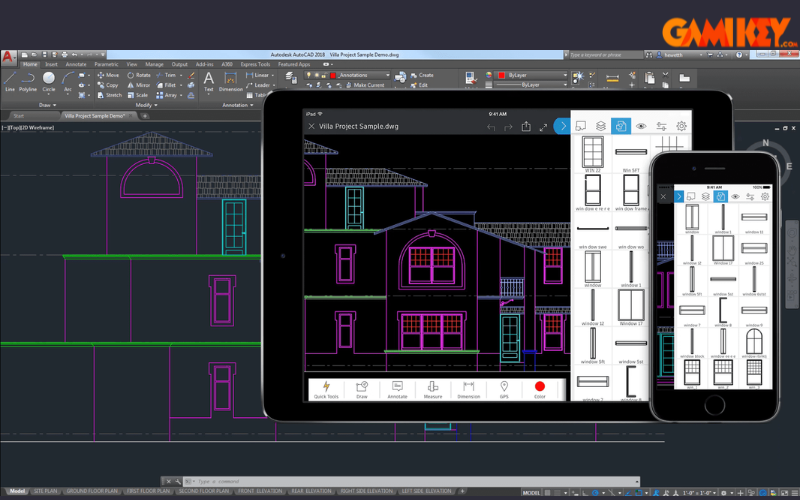
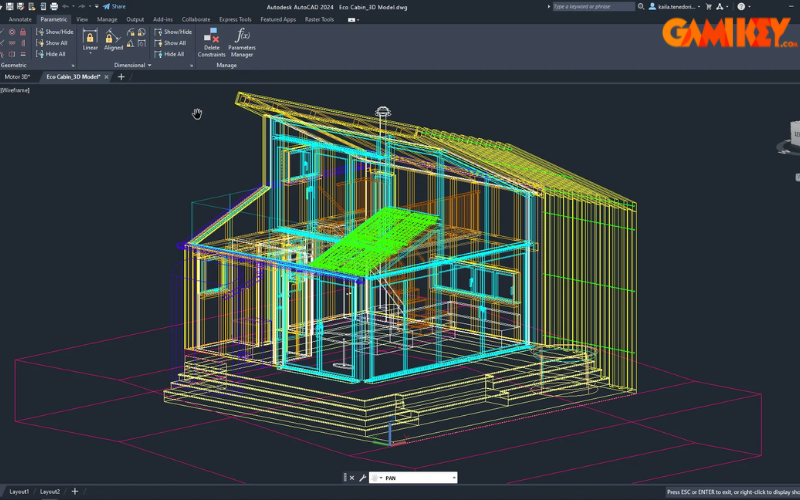
AutoCAD remains the quintessential CAD software, renowned for its versatility in producing accurate 2D drawings and 3D models. Widely adopted in architecture, civil engineering, and mechanical design, it provides an extensive set of tools for drafting, annotation, and automation. Features like specialized toolsets for industries such as mechanical, electrical, and architecture enhance productivity by streamlining repetitive tasks. Integration with mobile and web apps allows professionals to edit and view drawings on the go, ensuring continuity across devices.
Advanced capabilities, including parametric constraints and dynamic blocks, enable users to create intelligent designs that adapt to changes effortlessly. AutoCAD’s compatibility with DWG files ensures seamless collaboration, making it an indispensable tool for creating detailed technical documentation and blueprints.
Revit: Revolutionizing Building Information Modeling
Revit is the premier BIM software, facilitating multidisciplinary coordination in architectural, structural, and MEP (mechanical, electrical, plumbing) design. It allows teams to build parametric models that encapsulate not just geometry but also data about building components, enabling informed decision-making throughout the project lifecycle.
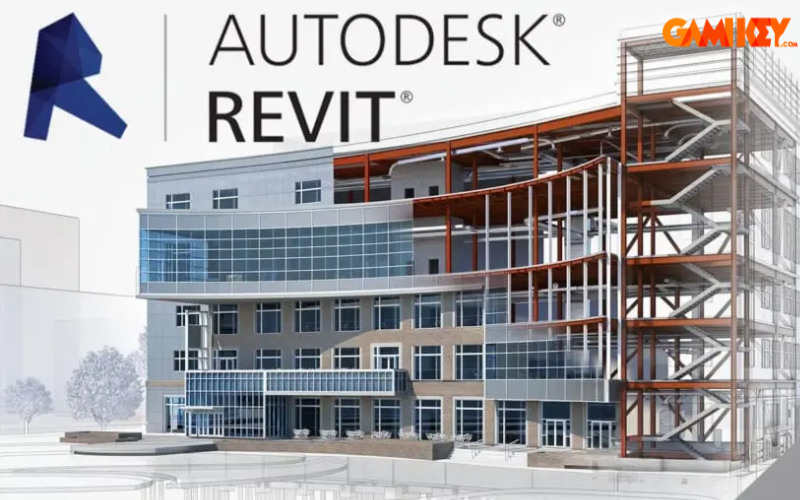
Key strengths include automated scheduling, clash detection, and energy analysis, which help mitigate errors and optimize designs for sustainability. Cloud-based worksharing in Revit promotes real-time collaboration, reducing rework and accelerating project delivery.
3ds Max: Mastering 3D Modeling and Visualization
3ds Max excels in creating high-fidelity 3D models, animations, and renderings, particularly for architectural visualization, game development, and product design. Its robust modeling toolkit, combined with powerful simulation tools for particles, fluids, and cloth, allows artists to produce realistic environments and effects.
Integration with Arnold renderer provides photorealistic outputs, while scripting and plugin support extend its functionality for custom workflows.
Maya: The Industry Standard for Animation and Effects
Maya is the go-to solution for professional 3D animation, rigging, and visual effects in film, television, and gaming. Its advanced tools for character animation, dynamics, and bifrost procedural effects enable the creation of complex simulations and lifelike movements.
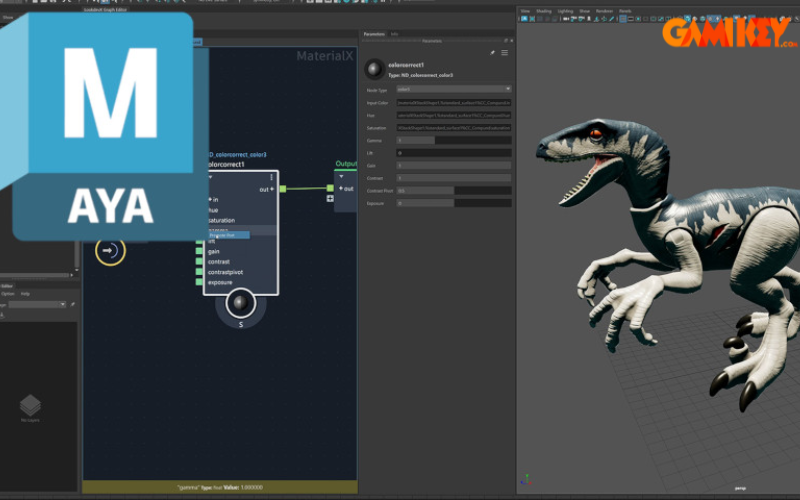
Open standards like USD support enhance interoperability, making Maya ideal for pipeline integration in large production studios.
Fusion 360: Cloud-Based Innovation Hub
Fusion 360 integrates CAD, CAM, CAE, and PCB design in a single cloud platform, ideal for product development and manufacturing. Generative design features use AI to propose optimized solutions based on constraints like materials and manufacturing methods.
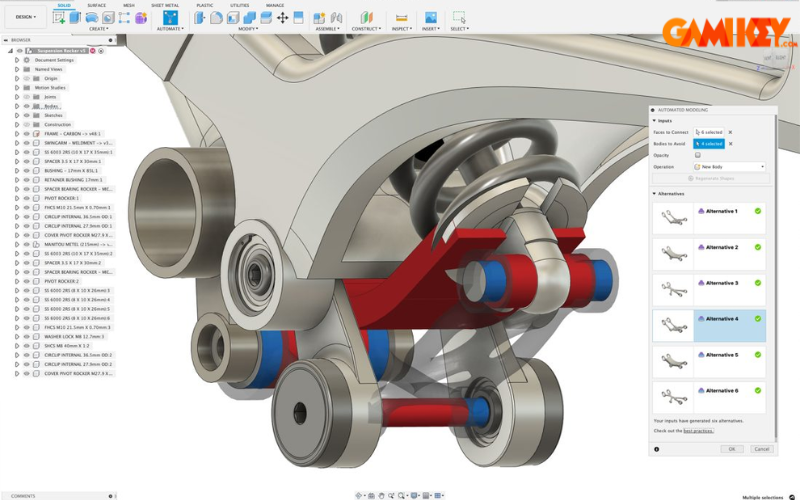
Collaboration tools allow teams to work concurrently, with version history and cloud storage ensuring data security and accessibility.
Inventor: Professional Mechanical Design
Inventor provides parametric 3D modeling for mechanical engineers, with tools for assembly design, sheet metal, and frame generation. Simulation capabilities test designs under real-world conditions, identifying potential failures early.
Civil 3D: Infrastructure Design Excellence
Civil 3D specializes in civil engineering projects, offering tools for roadway design, site development, and stormwater management within a BIM framework.
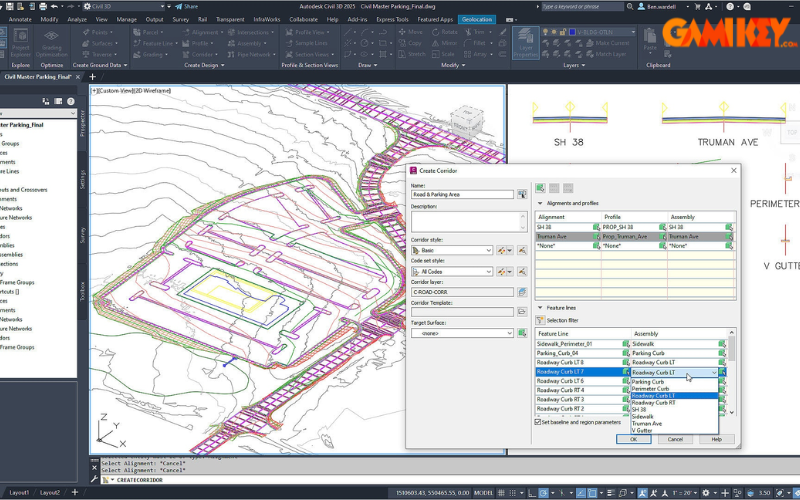
Dynamic modeling ensures designs update automatically with changes, improving accuracy in large-scale projects.
Arnold: Photorealistic Rendering
Arnold is a CPU/GPU renderer known for handling complex scenes with global illumination, volumetric effects, and subsurface scattering, widely used in film and TV production.
Mudbox: Digital Sculpting Mastery
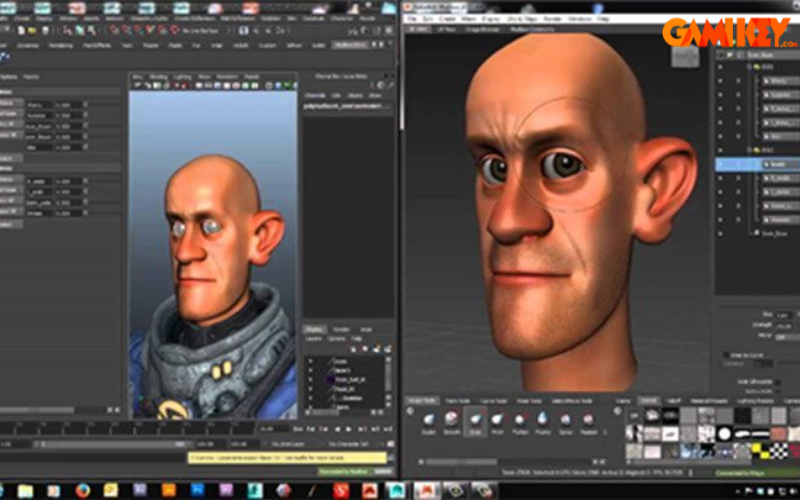
Mudbox focuses on high-resolution digital sculpting and texture painting, allowing artists to add intricate details to 3D models intuitively.
Key Advantages of Adopting Autodesk Solutions
Utilizing Autodesk software yields numerous benefits that elevate professional workflows:
- Comprehensive ecosystem integrating multiple tools for seamless data flow across disciplines.
- Advanced BIM capabilities in products like Revit and Civil 3D, facilitating coordinated project delivery and error reduction.
- User-friendly interfaces with customizable options, suitable for both novices and experts.
- Cloud integration, as seen in Fusion 360 and Autodesk Construction Cloud, enabling remote collaboration and data accessibility.
- AI-driven features for generative design and automation, accelerating innovation and optimization.
- Strong interoperability through open standards like IFC and USD, supporting diverse team compositions.

These advantages translate to reduced project timelines, lower costs, and enhanced sustainability outcomes.
Real-World Applications Across Industries
Autodesk tools power innovation in various sectors:
- In architecture and construction, Revit and AutoCAD enable precise planning and BIM-driven coordination for iconic buildings.
- Manufacturing benefits from Fusion 360 and Inventor for digital prototyping, simulation, and optimized production.
- Media and entertainment rely on Maya, 3ds Max, and Arnold for award-winning animations and visual effects.
- Civil infrastructure projects leverage Civil 3D for efficient roadway and site design.
Advanced Features Elevating Design Capabilities
Autodesk distinguishes itself with sophisticated functionalities:
- Professional 2D/3D design with high precision and automation.
- Deep BIM integration for data-rich models and lifecycle management.
- Robust simulation and analysis tools for performance validation.
- Project management platforms like Autodesk Build for progress tracking.
- High interoperability and extensibility via APIs and plugins.
- Cloud-based storage and real-time co-authoring.

Step-by-Step Guide to Downloading and Installing Autodesk Software
To access Autodesk products officially:
- Visit the Autodesk website and navigate to the products section or your Autodesk Account.
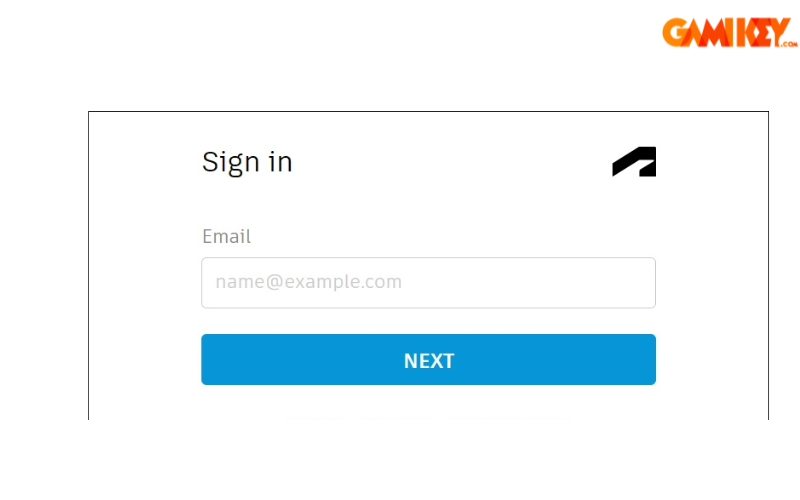
- Sign in with existing credentials or create a new account by providing required details.
- Search for and select the desired software title.
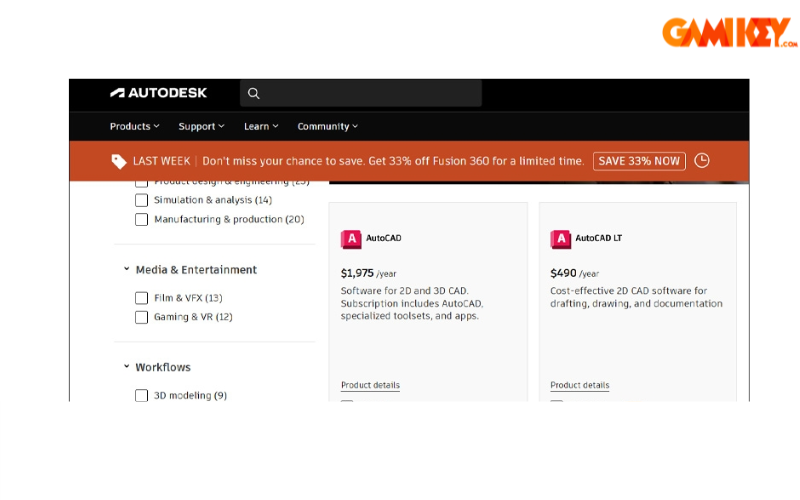
- Choose a subscription plan or trial, complete payment information if necessary.

- Download the installer and run it to complete the setup process.
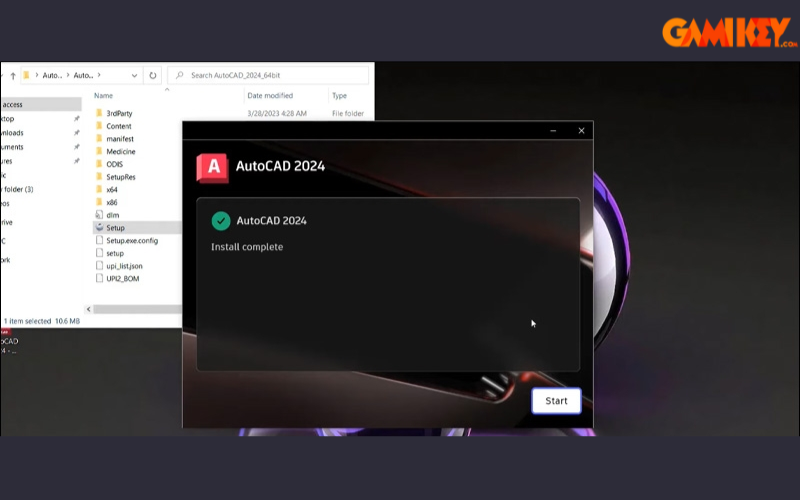
This process ensures access to genuine, updated versions with full support and features.
In summary, Autodesk continues to redefine possibilities in design and making, offering tools that foster creativity, collaboration, and sustainable outcomes across global industries.