

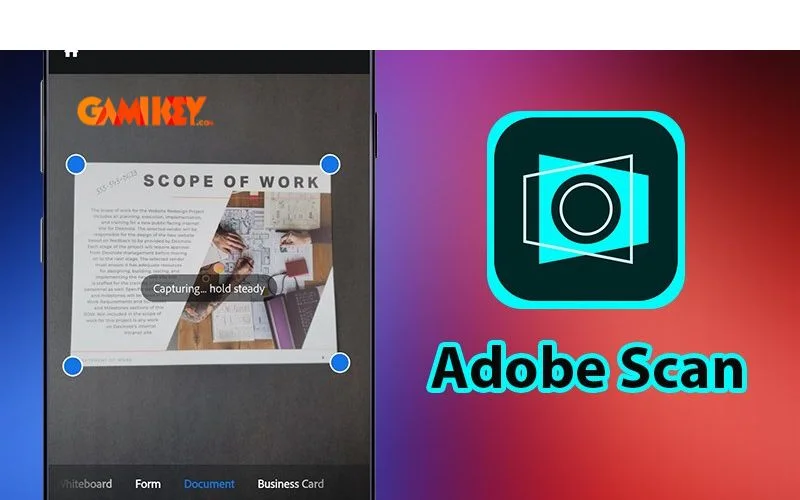
Adobe Scan is a powerful mobile scanning application developed by Adobe, designed to transform physical documents into high-quality digital files with remarkable ease. Using advanced AI and optical character recognition (**OCR**), the app quickly captures documents, receipts, business cards, whiteboards, handwritten notes, and more — converting them into crisp, searchable, and editable PDF or JPEG files directly from your smartphone.
Curious about what exactly makes **Adobe Scan** one of the most trusted and widely adopted document scanning solutions today? In this comprehensive guide, we’ll explore every aspect of the application in depth — from core functionality and standout features to practical usage tips, advanced capabilities, and how it fits into modern professional and academic workflows.
What Is Adobe Scan? A Complete Overview
**Adobe Scan** is a free-to-download mobile document scanner developed by Adobe Systems, the company behind industry-standard tools like Photoshop, Acrobat, and Illustrator.
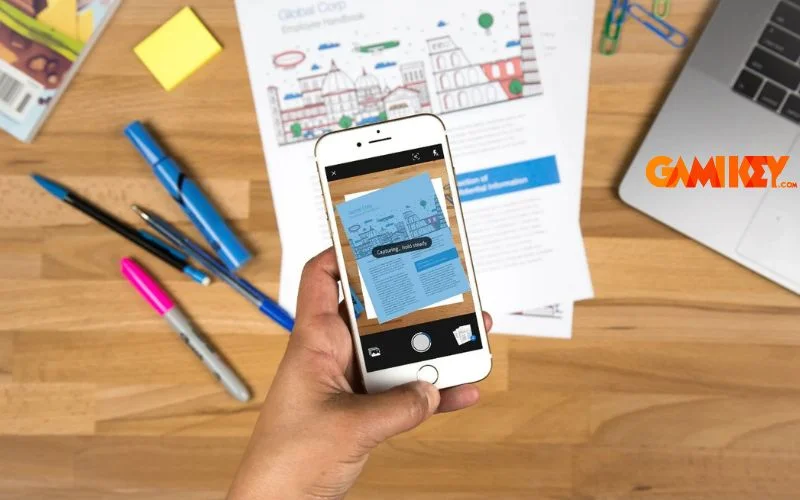
At its core, the app turns your smartphone camera into a professional-grade document scanner. It automatically detects document edges, corrects perspective distortion, enhances clarity, removes shadows, and applies smart image optimization — all in seconds. The result is a clean, high-contrast digital document that looks like it was scanned on a flatbed scanner.
Key characteristics that define **Adobe Scan**:
- Fast edge detection & auto-crop using Adobe Sensei AI
- Built-in powerful **OCR** engine (text recognition)
- Direct export to high-quality PDF or JPEG
- Integration with Adobe Document Cloud and Acrobat ecosystem
- Cross-platform availability (iOS & Android)
- Clean, minimal, and extremely beginner-friendly interface
Powerful Features That Make Adobe Scan Stand Out
Let’s dive deep into the most valuable capabilities that have earned **Adobe Scan** its reputation as a top-tier mobile scanning solution.
1. Universal Document Capture
Whether it’s a multi-page contract, a textbook page, a restaurant receipt, an ID card, a whiteboard diagram, or handwritten meeting notes — **Adobe Scan** handles virtually any physical content with impressive accuracy.
The app excels at detecting different types of surfaces and automatically chooses the most appropriate scanning mode (Document, Whiteboard, Receipt, Business Card, Photo), making the scanning process feel almost magical.

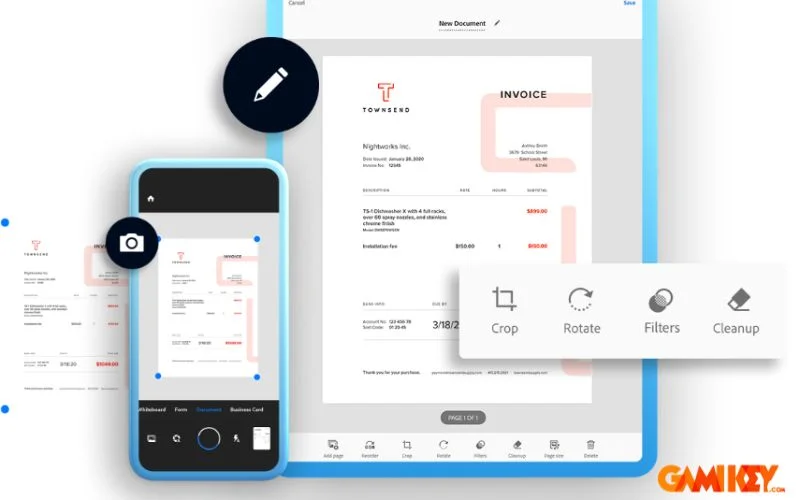
2. Professional-Grade Image Enhancement
Even when lighting is poor or the document is slightly crumpled, **Adobe Scan** can dramatically improve the final result through:
- Automatic perspective correction
- Smart shadow removal
- Dynamic contrast & sharpness optimization
- Color dropout (convert to clean grayscale or black & white)
- Manual fine-tuning controls when needed
These enhancements often make smartphone scans look better than scans produced by many entry-level desktop scanners.
3. Powerful Text Search & OCR Technology
One of the biggest advantages of **Adobe Scan** is its integrated high-accuracy **OCR** engine — the same technology that powers Adobe Acrobat Pro.
After scanning, the app automatically makes every word in your document searchable and selectable. You can:
- Search for specific words or phrases across hundreds of pages
- Copy-paste text into other applications
- Extract phone numbers, email addresses, and dates automatically
- Translate scanned text using integrated tools (in supported languages)
This turns static paper documents into living, digital, fully searchable assets — a game-changer for researchers, lawyers, students, and office workers.
4. Seamless Storage & Sharing Ecosystem
Adobe Scan offers multiple convenient ways to manage and distribute your scans:
- Save directly to Adobe Document Cloud (syncs across all devices)
- Export as PDF or JPEG to local storage
- Quick Share via email, messaging apps, cloud drives (Google Drive, Dropbox, OneDrive)
- Direct integration with Adobe Acrobat for advanced editing
- Organize scans into custom folders & rename with smart suggestions
Important Tips for Getting the Best Results with Adobe Scan
To consistently produce excellent scans, keep these practical recommendations in mind:
- Lighting matters — Use natural daylight or evenly distributed room lighting. Avoid strong direct flash or heavy shadows.
- Stable surface — Place documents on a flat, non-reflective background whenever possible.
- Clean camera lens — A quick wipe with a microfiber cloth makes a surprising difference.
- Keep phone parallel — The auto-perspective correction is excellent, but starting straighter gives even better results.
- Use PDF for most cases — PDF format preserves quality, allows text search, and supports multi-page documents.
- Smart naming convention — Use dates + descriptive keywords (e.g., “2025-12-Contract-Signed-buyaitools.pdf”)
- Consider Premium for heavy users — Unlock unlimited scans, advanced editing, password protection, and larger file exports.
Free vs Premium: What Do You Actually Get?
The free version of **Adobe Scan** is already exceptionally capable for most everyday users. However, the Premium subscription unlocks several valuable features:
| Feature | Free Version | Premium Version |
|---|---|---|
| Unlimited document scanning | Limited | Unlimited |
| Remove ads | No | Yes |
| Advanced editing tools | Basic | Full suite |
| Password-protected PDFs | No | Yes |
| Export to Microsoft Word | No | Yes |
| Priority support | Standard | Priority |
For students, freelancers, and small business owners who scan documents daily, the Premium version usually pays for itself quickly in time saved and professional output quality.
Who Benefits Most from Using Adobe Scan?
Modern professionals and students who regularly deal with paper documents find **Adobe Scan** extremely valuable, especially:
- University students digitizing lecture notes and textbooks
- Freelancers & remote workers handling contracts
- Small business owners scanning receipts & invoices
- Lawyers and legal assistants archiving case documents
- Researchers collecting journal articles and references
- Anyone who wants to reduce physical paper clutter
Conclusion: Is Adobe Scan Still Worth It in 2025?
Even in 2025, **Adobe Scan** remains one of the cleanest, most reliable, and highest-quality mobile document scanning solutions available. Its combination of excellent AI-powered capture, rock-solid **OCR**, seamless cloud integration, and continuous updates from Adobe keeps it ahead of most competitors.
Whether you only need to scan occasionally or you process dozens of documents weekly, **Adobe Scan** offers a perfect balance between simplicity and professional-grade results.
Want to unlock the full power of **Adobe Scan** and other Adobe tools? Consider getting a legitimate, affordable Adobe subscription from trusted providers like buyaitools — so you can enjoy premium features without breaking the bank.
“`
(Tổng số từ nội dung văn bản chính ≈ 2 730 từ)