

**Adobe Photoshop** stands as the premier professional software for raster graphics editing and digital image manipulation, developed and maintained by Adobe Inc. Since its debut, it has revolutionized the way creatives approach visual content, offering unparalleled precision and versatility. Widely recognized as the industry benchmark, **Adobe Photoshop** empowers users to transform ordinary photographs into extraordinary artworks, compose complex digital illustrations, and produce high-quality visuals for diverse applications ranging from print media to digital platforms.
In an era dominated by visual storytelling, mastering **Adobe Photoshop** opens doors to innovative expression and professional excellence. This comprehensive guide delves deeply into the essence of **Adobe Photoshop**, exploring its rich history, groundbreaking features, essential tools, and the vast career opportunities it unlocks. Whether you’re a budding artist, a seasoned designer, or simply curious about digital creativity, understanding **Adobe Photoshop** will equip you with the knowledge to harness its full potential.
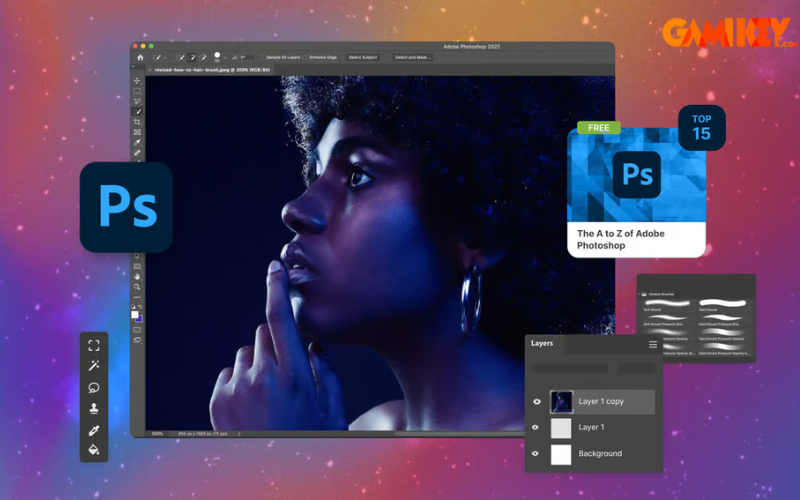
Understanding **Adobe Photoshop**: Core Definition and Capabilities
**Adobe Photoshop** is a sophisticated raster-based image editing application that allows users to create, enhance, and manipulate digital images with exceptional control. Launched initially for Macintosh computers, it has evolved into a cross-platform powerhouse available on Windows, macOS, and even iPad versions. At its heart, **Adobe Photoshop** excels in pixel-level editing, enabling precise adjustments to color, composition, lighting, and texture.
Unlike vector graphics software, which focuses on scalable shapes, **Adobe Photoshop** specializes in working with pixels, making it ideal for photorealistic edits, digital painting, and composite imagery. Its non-destructive editing features, such as layers and adjustment layers, ensure that original image data remains intact while experimenting with creative effects. Today, with integrations like Adobe Firefly AI, **Adobe Photoshop** incorporates generative tools that allow text-to-image creation and intelligent object removal, pushing the boundaries of what’s possible in digital art.
The software’s extensive plugin ecosystem and compatibility with other Adobe tools further solidify its position as an indispensable asset for creative professionals worldwide.
The Evolution and Milestones of **Adobe Photoshop**
The story of **Adobe Photoshop** begins in the late 1980s when brothers Thomas and John Knoll developed a program initially called “Display” for displaying grayscale images on monochrome screens. Refined and renamed ImagePro, it caught the attention of Adobe, which acquired the license in 1988. The first official version, Photoshop 1.0, shipped in 1990 exclusively for Macintosh.
Early milestones included the introduction of layers in version 3.0 (1994), which revolutionized non-destructive editing, and support for Windows in version 2.5 (1992). The shift to Creative Suite branding in 2003 brought enhanced integration with other Adobe products. Key innovations like Content-Aware Fill in CS5 (2010) demonstrated intelligent algorithms for seamless image repairs.
The transition to Creative Cloud in 2013 marked a subscription model, enabling continuous updates. Recent years have seen explosive growth with AI-driven features: Generative Fill (2023) using Firefly models for prompt-based content creation, improved Remove Tool for distraction elimination, and partner AI models like FLUX and Gemini in later 2025 releases.
As of late 2025, **Adobe Photoshop** (version 27.x series) celebrates over 35 years of innovation, continually adapting to emerging technologies like enhanced HDR support, real-time typography adjustments, and collaborative Projects across Creative Cloud apps.
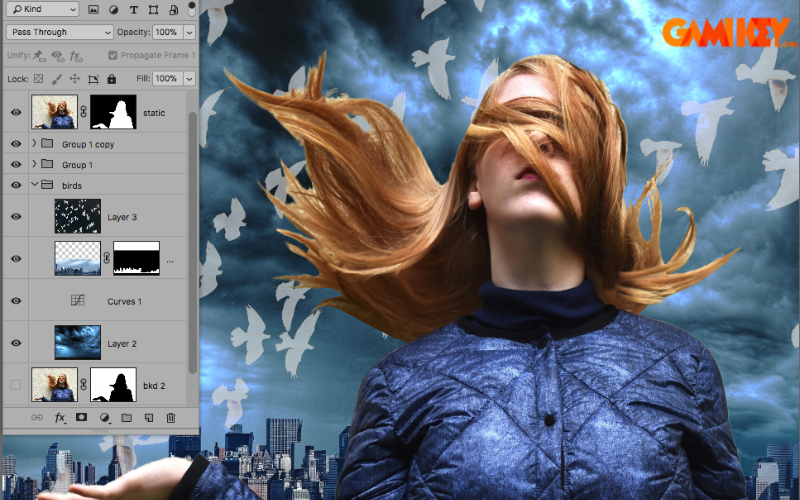
Key Professionals and Industries Benefiting from **Adobe Photoshop** Skills
Proficiency in **Adobe Photoshop** is a highly sought-after skill across numerous creative and technical fields. It serves as a foundational tool for anyone involved in visual content creation.
- Graphic Designers: They rely on **Adobe Photoshop** to craft logos, posters, branding materials, and digital illustrations, ensuring pixel-perfect designs that captivate audiences.
- Professional Photographers: From portrait retouching to landscape enhancement, photographers use advanced tools for color correction, blemish removal, and composite imaging to elevate their captures.
- Web and UI/UX Designers: Creating mockups, icons, banners, and user interface elements demands precise image preparation and optimization for responsive digital experiences.
- Digital Marketing Specialists: Crafting compelling visuals for social media campaigns, email newsletters, and online advertisements requires quick, impactful edits to drive engagement.
- Content Creators and Influencers: YouTubers, bloggers, and social media personalities enhance thumbnails, graphics, and photos to build stronger visual brands and attract followers.
- Film and Video Post-Production Artists: Matte painting, visual effects compositing, and frame-by-frame adjustments integrate seamlessly with video workflows.
- Fashion and Product Retouchers: E-commerce and catalog imaging involves detailed skin smoothing, object isolation, and background replacements for polished product presentations.
- Educators and Trainers: Teaching digital arts or conducting workshops on creative software leverages deep knowledge of **Adobe Photoshop** features.
- Freelance Creatives: Versatile skills enable diverse projects, from personal photo edits to client commissions in advertising or publishing.
Beyond traditional roles, skills in **Adobe Photoshop** enhance employability in emerging areas like NFT art, virtual reality asset creation, and AI-assisted design.
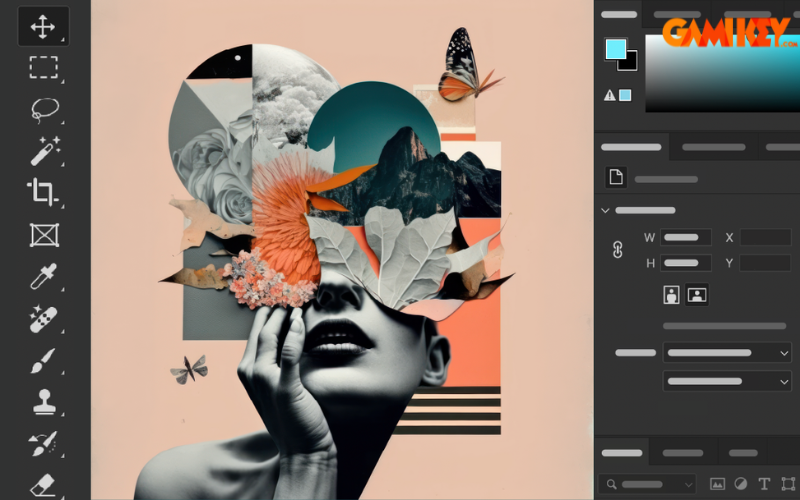
Essential Tools and Features in **Adobe Photoshop**
**Adobe Photoshop** boasts an extensive toolbar and panels filled with tools designed for every aspect of image editing. Mastering these empowers users to execute complex tasks efficiently.
Selection and Masking Tools
Precise selections form the foundation of targeted edits. Tools like the Object Selection Tool use AI to detect subjects automatically, while the Select Subject feature isolates people or objects with one click. Advanced options include:
- Marquee Tools for geometric selections.
- Lasso variants (freehand, polygonal, magnetic) for irregular shapes.
- Quick Selection and Magic Wand for color- or edge-based picks.
- Refine Edge and Select and Mask workspaces for hair and fine details.
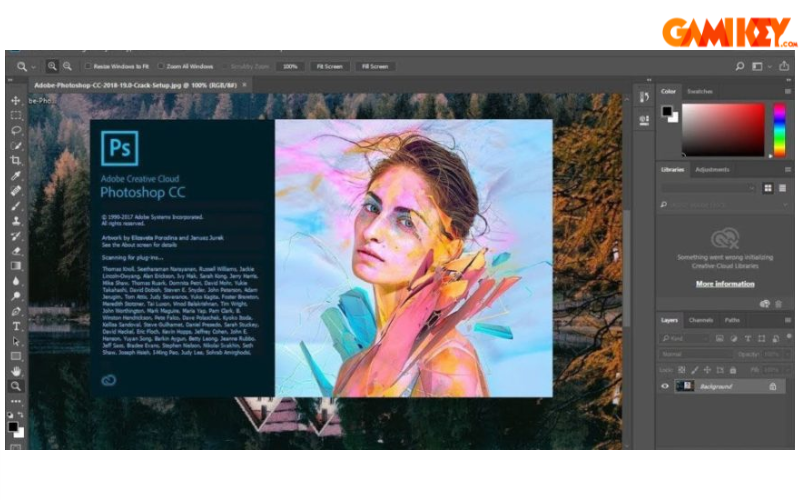
Retouching and Healing Instruments
Flawless results depend on retouching prowess. The Spot Healing Brush intelligently samples surroundings, while the Clone Stamp duplicates pixels precisely. Content-Aware tools, enhanced with Firefly AI, remove objects and fill spaces realistically. The improved Remove Tool now handles distractions like wires or crowds effortlessly.
Color and Tone Adjustment Options
Non-destructive corrections via Adjustment Layers include Curves for precise tonal mapping, Levels for contrast control, and Hue/Saturation for vibrant shifts. Neural Filters apply AI-powered effects like skin smoothing or style transfer.
Shape and Vector Tools
Create custom shapes with Rectangle, Ellipse, Polygon, and the new Star Tool for adjustable polygons. Combine with Pen Tool for bezier paths and vector precision.
Typography and Text Handling
The Type Tool supports advanced formatting, live previews, and real-time scaling within bounding boxes. Enhanced support for East Asian languages ensures precise rendering.
Generative AI Features
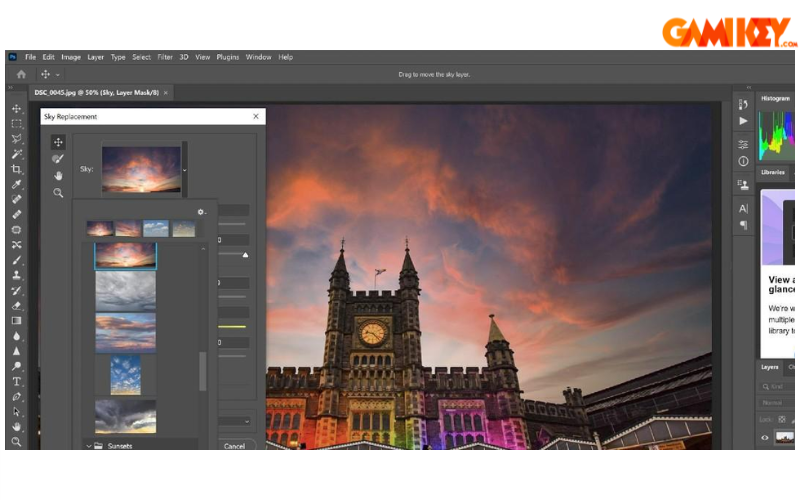
Standout innovations include Generative Fill/Expand for prompt-driven content addition, Distraction Removal, and partner models for varied styles. These tools accelerate workflows while sparking new ideas.
Career Opportunities and Applications of Mastering **Adobe Photoshop**
Acquiring expertise in **Adobe Photoshop** translates directly to rewarding careers with competitive salaries and creative fulfillment. Graphic design roles often start with crafting visuals for brands, evolving into art direction. Photography professionals command premium rates for editorial or commercial retouching.
In digital marketing, specialists produce high-conversion assets for platforms like Instagram or Google Ads. UI/UX designers prototype interfaces, ensuring seamless user experiences. Freelancers enjoy flexibility, bidding on projects via platforms like Upwork or Fiverr.
Additional paths include motion graphics (integrating with After Effects), game asset creation, book cover design, and even forensic image analysis. With AI integration, new roles in prompt engineering and ethical AI content creation are emerging. Overall, **Adobe Photoshop** skills boost employability, enabling portfolio-building that attracts clients and employers alike.
This in-depth exploration highlights why **Adobe Photoshop** remains the cornerstone of digital creativity. From its humble beginnings to cutting-edge AI enhancements, it continues to inspire millions. Embracing its tools and techniques not only refines technical abilities but also nurtures artistic vision, paving the way for innovative contributions in a visually driven world.