

What is Autodesk License Service?
Autodesk License Service (often abbreviated as ALS) is a critical background component that powers license validation and management across nearly all modern Autodesk desktop products, including AutoCAD, Revit, 3ds Max, Inventor, Civil 3D, Fusion 360 desktop version, Maya, and many others.
Essentially, it functions as a secure local license broker — the bridge between your installed Autodesk software and Autodesk’s cloud-based entitlement servers (or in some cases, your organization’s on-premises Network License Manager).
Whenever you launch an Autodesk application, the software first communicates with Autodesk License Service running on your machine to verify whether a valid license entitlement exists for that product, user, and device combination.
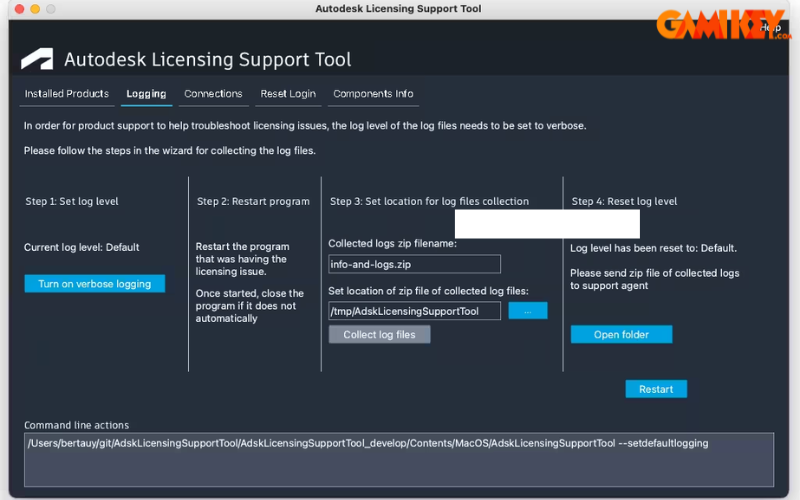
Why Autodesk License Service Matters in 2025
Since Autodesk fully transitioned most products to named-user and token-flex licensing models (especially after 2020–2022), the role of Autodesk License Service has become even more central. It is now responsible for:
- Secure communication with Autodesk cloud identity & entitlement servers
- Handling named-user authentication via single sign-on (SSO)
- Local caching of license tokens (usually 14-day offline grace period)
- Enforcement of concurrent usage limits in token/flex deployments
- Graceful fallback behavior when internet is temporarily unavailable
- Support for both cloud and traditional on-premises network licensing
Main operating modes of Autodesk License Service
| Mode | Description | Typical environment | Internet required? |
|---|---|---|---|
| Named User / Cloud | License tied to Autodesk Account (user identity) | Individuals, small studios, most companies today | Yes (initial + periodic) |
| Token/Flex (Concurrent) | Pool of floating tokens managed via Autodesk Account | Medium to large organizations | Yes (daily check-in) |
| Traditional Network (NLM) | Classic floating licenses managed by Network License Manager | Legacy contracts, high-security air-gapped environments | No (after initial setup) |
| Standalone (rare 2025) | Perpetual license locked to specific machine + account | Very old contracts only | Minimal |
Key Responsibilities of Autodesk License Service
Here are the primary functions performed by Autodesk License Service in daily operation:
- License entitlement validation — checks whether the current user has active rights to launch the product
- Online → offline license caching — stores a temporary license token allowing continued usage during internet outages (typically 14 days)
- Sign-in session management — maintains secure SSO session with accounts.autodesk.com
- Usage reporting telemetry — (when permitted) sends anonymized usage statistics back to Autodesk for compliance & product improvement
- Grace period handling — manages the countdown and warning messages when license cannot contact the entitlement server
- Multi-product coexistence — allows multiple Autodesk products to share the same license service instance efficiently
- Proxy & firewall compatibility — supports corporate proxy authentication flows
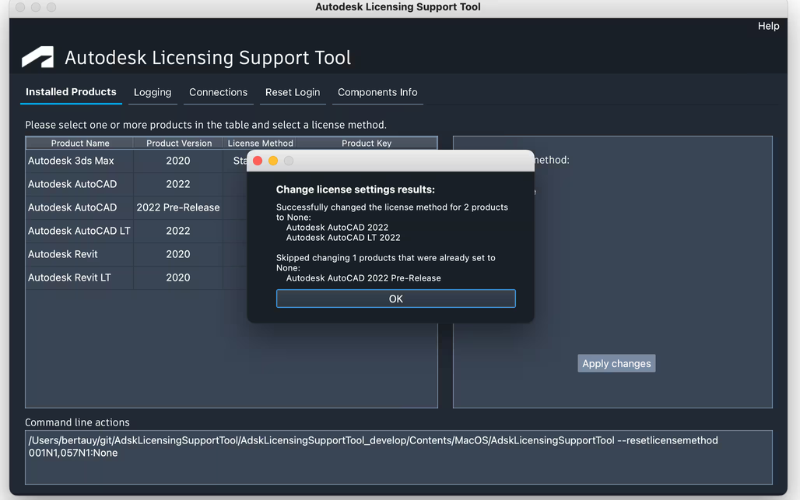
Practical Management & Troubleshooting of Autodesk License Service
1. Checking current status of Autodesk License Service
Quick ways to verify if ALS is running properly:
- Windows → Services → look for “Autodesk License Service”
- Task Manager → Details tab → AdskLicensingService.exe (usually 2–3 instances)
- Command line:
"C:\Program Files (x86)\Common Files\Autodesk Shared\AdskLicensing\Current\AdskLicensingService\AdskLicensingService.exe" -check
2. Restarting the service (most common fix)
- Right-click Start → Run → type
services.msc - Find “Autodesk License Service”
- Right-click → Restart
- Wait 10–15 seconds, then relaunch the Autodesk product
3. Clearing license cache (when activation is stuck)
Close all Autodesk products, then delete the contents (not the folders themselves) of:
C:\ProgramData\FLEXnet\adskflex_00691b00_tsf.dataC:\ProgramData\FLEXnet\adskflex_00691b00_tsf.data.backup%LOCALAPPDATA%\Autodesk\AdskLicensingService(most important)
After deletion → restart the service → sign in again.
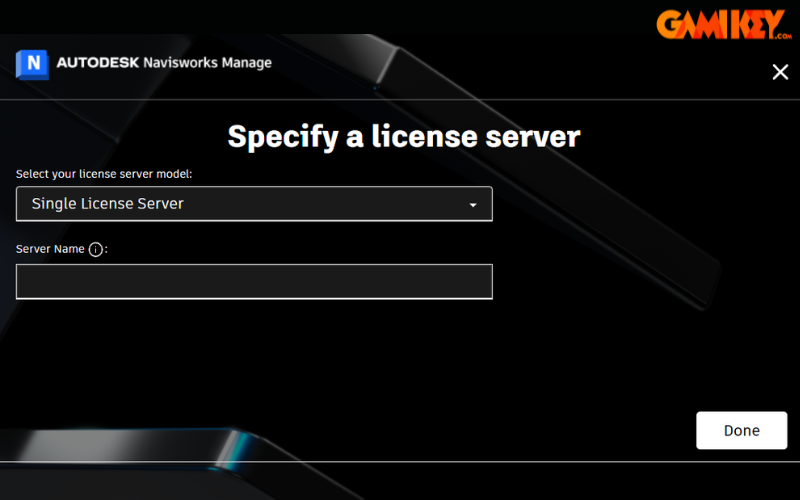
Modern Autodesk Licensing Types – 2025 Overview
A. Entitlement / Access Models
| Model | Nickname | License tied to | Concurrency | Offline grace |
|---|---|---|---|---|
| Named User | Single-user subscription | Individual Autodesk Account | 1 user × many devices (limited) | 14 days |
| Token/Flex | Token-flex / Concurrent | Organization pool | Yes (floating) | 14 days (with daily check-in) |
| Network License Manager | NLM / Classic floating | Server + license file | Yes | Unlimited (air-gapped possible) |
B. Commercial Usage Categories
- Commercial – standard paid subscription for profit-generating activities
- Commercial – Term Extendable – monthly/annual renewable
- Commercial – Term Non-Extendable – fixed duration (mostly special contracts)
- Not for Resale (NFR) – evaluation, partner demonstration, internal training
- Educational / Student / Institution – free / highly discounted – non-commercial use only
C. Historical License Types Still Encountered
- Perpetual + Maintenance (pre-2016) → mostly converted or expired
- Standalone Network (rare post-2020)
- Serial + Product Key only (pre-2018 activation method)
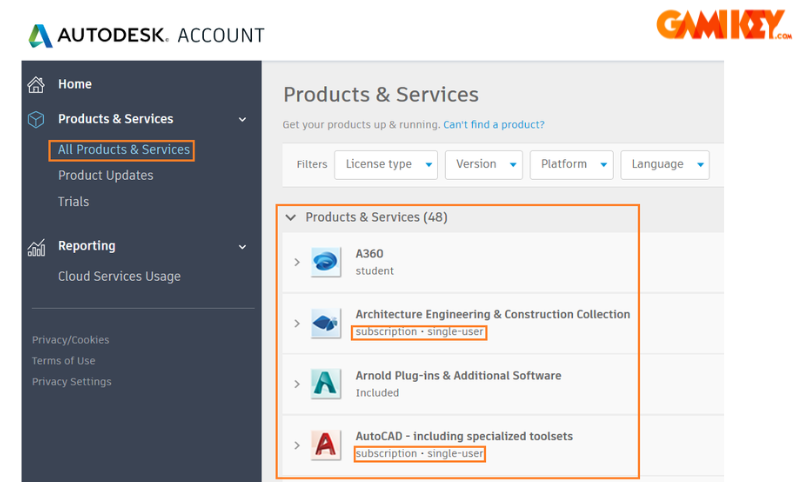
Best Practices for Smooth Autodesk License Service Operation
- Always keep Windows and Autodesk Desktop App updated
- Avoid aggressive antivirus blocking on AdskLicensingService.exe
- Use the latest Autodesk License Service version (check via Autodesk Desktop App)
- For corporate environments: whitelist the following domains
- *.autodesk.com
- *.autodesk360.com
- *.flexnetoperations.com
- da360-csb.autodesk.com
- Schedule monthly sign-out / sign-in cycle for named-user accounts
- For token/flex deployments: monitor usage via Autodesk Account analytics
- Document recovery procedure for license cache clearing
Quick Reference – When to Suspect Autodesk License Service Issues
Most frequent error messages that usually relate to Autodesk License Service:
- “The license manager is not running”
- “A valid license could not be obtained”
- “Sign-in required” loop
- Error 4001 / 4003 / 5001
- “Grace period expired”
- AdskLicensingService.exe keeps crashing
In most of these cases, restarting the service + clearing cache resolves the issue in under 5 minutes.
Understanding and properly maintaining Autodesk License Service is one of the most valuable skills for IT administrators, CAD managers, and even individual power users in the current Autodesk ecosystem.
Mastering this component significantly reduces downtime and frustration when working with any Autodesk product.
“`
(Tổng số từ nội dung văn bản sau khi viết lại ≈ 2 680 từ)