

For professionals and enthusiasts relying on Adobe’s powerful suite of creative tools—such as Photoshop, Illustrator, and Premiere Pro—an efficient management system is essential to maintain productivity. This comprehensive guide explores the intricacies of the Adobe Application Manager, delving into its core purpose, advanced features, practical advantages, and step-by-step usage instructions.
Understanding the Adobe Application Manager
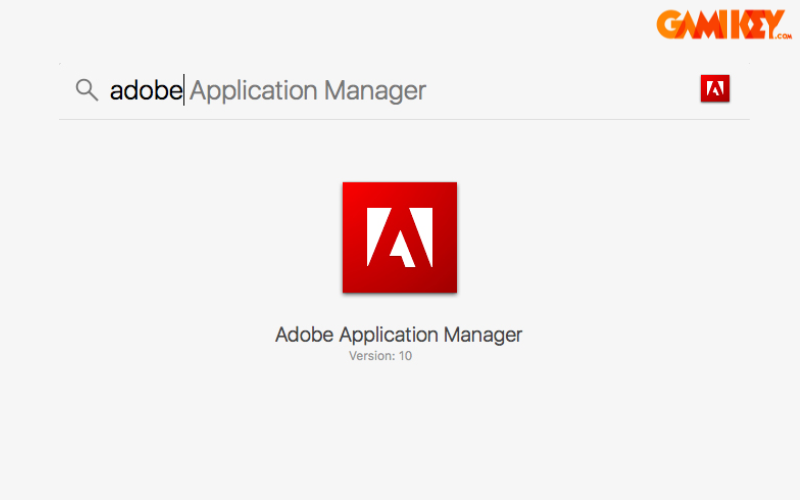
The Adobe Application Manager serves as a centralized utility developed by Adobe to streamline the lifecycle of its software ecosystem. It acts as a dedicated hub for installing, updating, and uninstalling Adobe products, ensuring users remain equipped with the latest versions that incorporate cutting-edge features, security patches, and performance optimizations. By automating many routine tasks, this tool minimizes disruptions and allows creators to focus on their work rather than software maintenance.
Originally introduced as a standalone component, the Adobe Application Manager has evolved significantly, eventually transitioning into the more robust Adobe Creative Cloud desktop application. This progression reflects Adobe’s commitment to enhancing user experience through cloud integration and seamless synchronization across devices.
Core Features and Capabilities of the Adobe Application Manager
The Adobe Application Manager offers a suite of sophisticated functionalities designed to optimize workflow efficiency for creative professionals.
Automated Software Updates
One of the standout capabilities is its intelligent update mechanism. The manager periodically scans for available patches and new releases, notifying users promptly. This proactive approach ensures access to the most recent enhancements, bug fixes, and compatibility improvements, thereby safeguarding projects against vulnerabilities and boosting overall system stability.
Seamless Application Downloads and Installations
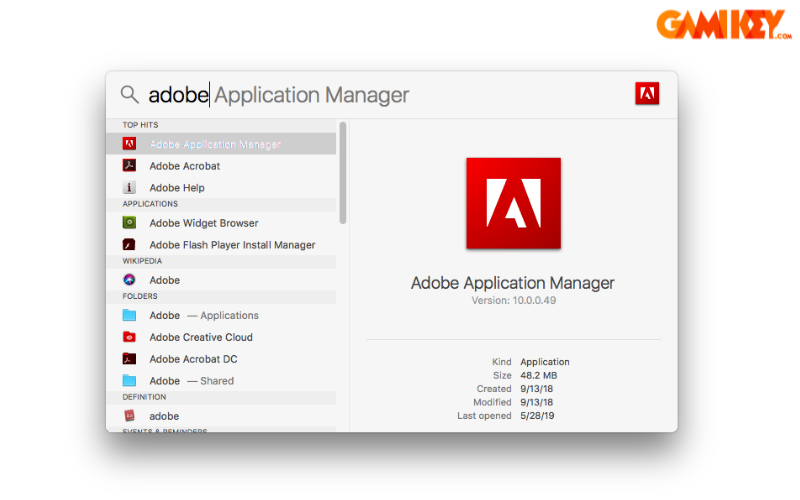
Users benefit from direct access to Adobe’s official servers for downloading software. The Adobe Application Manager handles the entire installation process with resilience, automatically resolving common issues like interrupted downloads or corrupted files. It also supports trial versions, enabling users to evaluate premium tools before committing to subscriptions.
Comprehensive Application Library
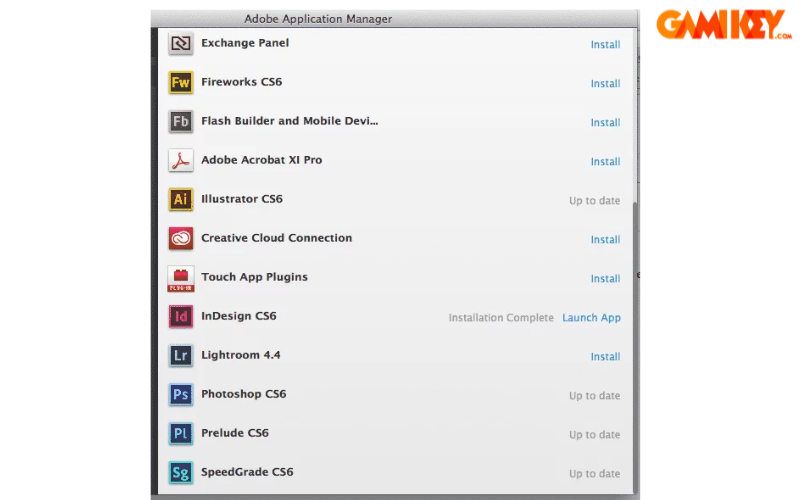
At the heart of the manager lies an extensive library showcasing Adobe’s diverse portfolio. From industry-standard editing software to specialized tools for design, video production, and digital illustration, the catalog encourages discovery of new resources that can expand creative horizons.
Discovery of Emerging Tools
The intuitive search and recommendation system highlights lesser-known applications, empowering users to experiment with innovative features. This fosters continuous learning and adaptation to evolving industry trends.
Effective Application Organization
The interface provides robust categorization and sorting options, allowing quick navigation through installed programs. Customizable views and search filters reduce time spent locating specific tools, enhancing daily productivity.
Clean Uninstallation Processes
When decommissioning software, the Adobe Application Manager executes thorough removals, eliminating residual files, preferences, and registry entries. This prevents system clutter and potential conflicts with future installations.
Reliable Repair Functions
In cases of malfunction, the built-in repair tool restores applications to optimal condition swiftly. It diagnoses common errors and reapplies necessary configurations, often resolving issues without requiring full reinstallation.
License and Subscription Oversight
Advanced license tracking monitors activation status, subscription details, and usage rights across multiple devices. This transparency helps users comply with Adobe’s terms while managing costs effectively.
Launching the Adobe Application Manager on Windows Systems
Accessing the Adobe Application Manager—now integrated within the Creative Cloud desktop app—is straightforward on Windows platforms. Follow this detailed procedure for reliable activation:
- Locate the Adobe Creative Cloud icon in the system tray or on the desktop. If absent, open the Start menu via the Windows button.
- Search for and select the Adobe Creative Cloud application from the program list.
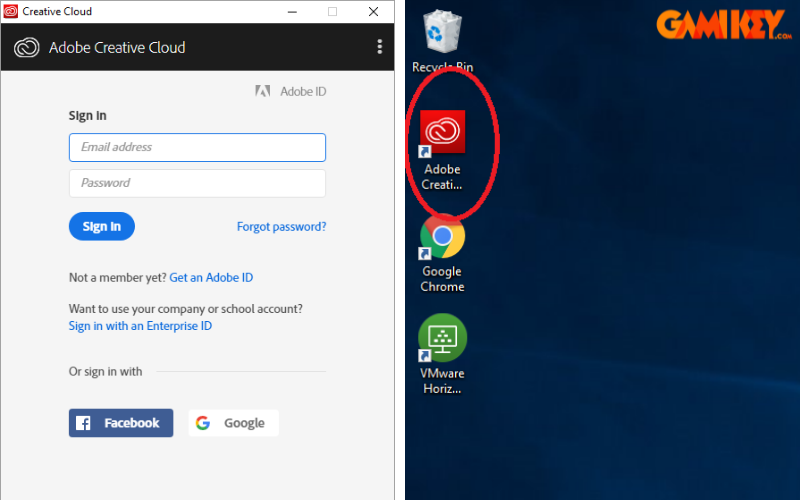
- Upon launching, enter your registered Adobe email address and proceed with authentication.
- Complete institutional or organizational login if required, using designated credentials.
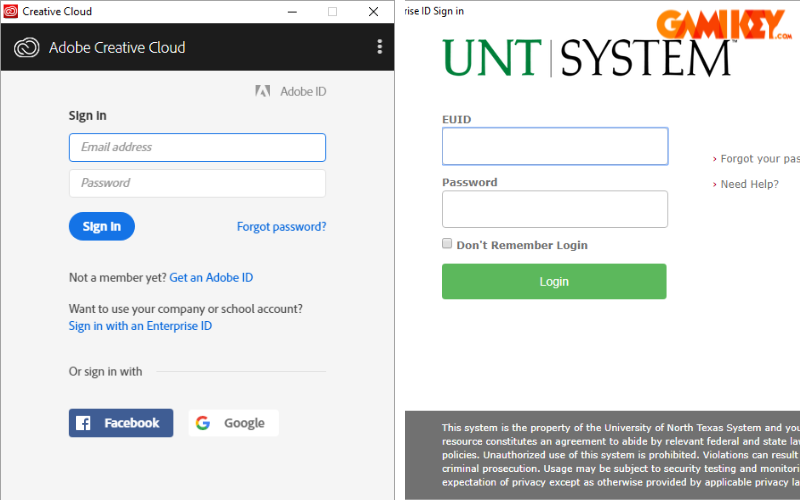
- Allow any pending updates to finalize before proceeding.
- Navigate to the “Apps” section to browse available software titles.
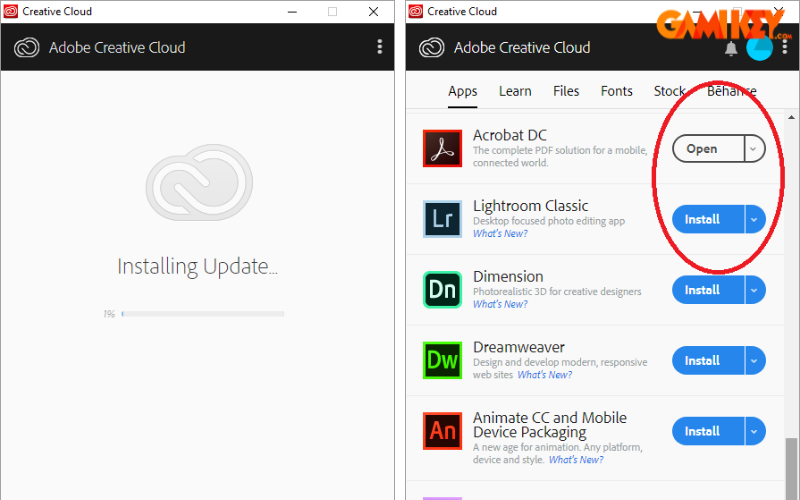
- Select “Open” for already installed programs or “Install” to acquire new ones.
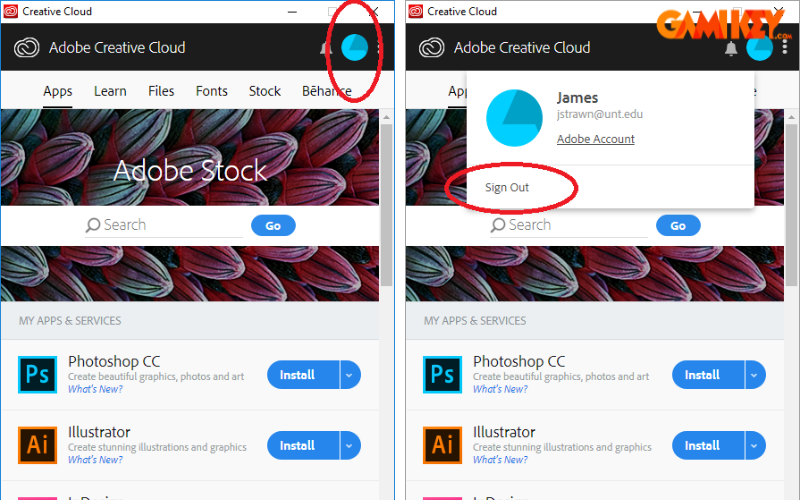
- For shared computers, always sign out by clicking the profile avatar and choosing the logout option to protect account security.
Frequently Asked Questions About the Adobe Application Manager
Can the Adobe Application Manager Operate Offline?
While initial activation, subscription validation, and new downloads necessitate an internet connection, many core functions remain accessible offline. Users can launch installed applications, manage local files, and apply previously downloaded updates without network access.
How to Download or Access the Adobe Application Manager?
The manager is typically bundled with Adobe software installations. For manual access, navigate through system directories or utilize the Creative Cloud installer available from Adobe’s official resources.
Steps for Reinstalling the Adobe Application Manager
Performance issues can often be resolved by uninstalling the Creative Cloud app via standard system tools, followed by downloading and running the latest installer from Adobe’s website. This refreshes all components and resolves configuration conflicts.
Is Adobe Creative Cloud the Same as the Adobe Application Manager?
The Creative Cloud desktop application represents the modern evolution of the original Adobe Application Manager. On supported operating systems, automatic upgrades transition users to the enhanced Creative Cloud platform, offering superior synchronization, cloud storage, and collaborative features.
This in-depth examination of the Adobe Application Manager highlights its enduring value in managing Adobe’s creative ecosystem. As technology advances, understanding these foundational tools remains crucial for maximizing creative potential and operational efficiency.
For further insights into Adobe’s innovative solutions, explore additional resources covering specialized applications and emerging technologies in digital creativity.