

With over 500 million downloads worldwide and a reputation as the leading platform for modern dating and social connections, Tinder has revolutionized how people meet and interact. Mastering the art of using this app effectively can significantly enhance your chances of forming meaningful relationships. This comprehensive guide explores every aspect of how to use Tinder like a pro, from initial setup to advanced features, while prioritizing safety and authenticity.
Understanding Tinder: The Global Dating Phenomenon
Tinder is a location-based social discovery application launched in 2012 that has since become the world’s most popular platform for meeting new people. Its signature swipe mechanic—right for interest, left to pass—simplifies decision-making and creates an engaging, game-like experience. The algorithm intelligently matches users based on geographic proximity, shared interests, mutual friends (when linked to social accounts), and personalized preferences. Beyond casual dating, many users find long-term partners, friendships, or professional networking opportunities. What sets Tinder apart is its inclusive approach, supporting diverse orientations, genders, and relationship goals, making it accessible to a broad demographic.
The app’s success lies in its simplicity combined with powerful personalization tools. Profiles feature photos, a short bio, interests, job titles, education, and even Spotify anthems or Instagram feeds. This multi-layered presentation allows users to showcase personality beyond mere appearance, fostering deeper initial connections.
Managing and Optimizing Your Tinder Profile
A well-curated profile is the foundation of success on Tinder. Regular updates keep your account fresh and increase visibility in the algorithm.
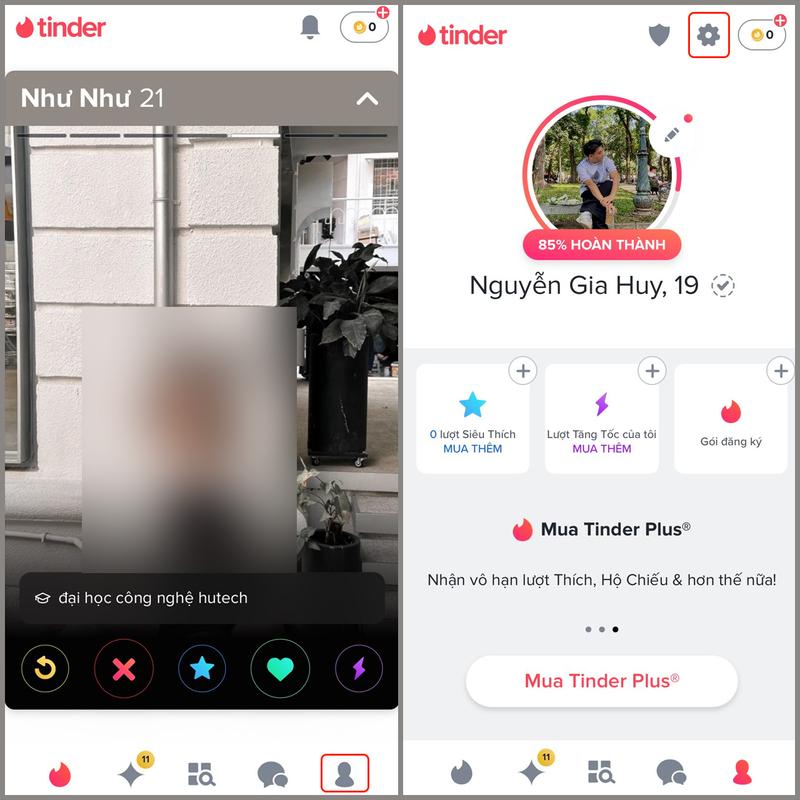
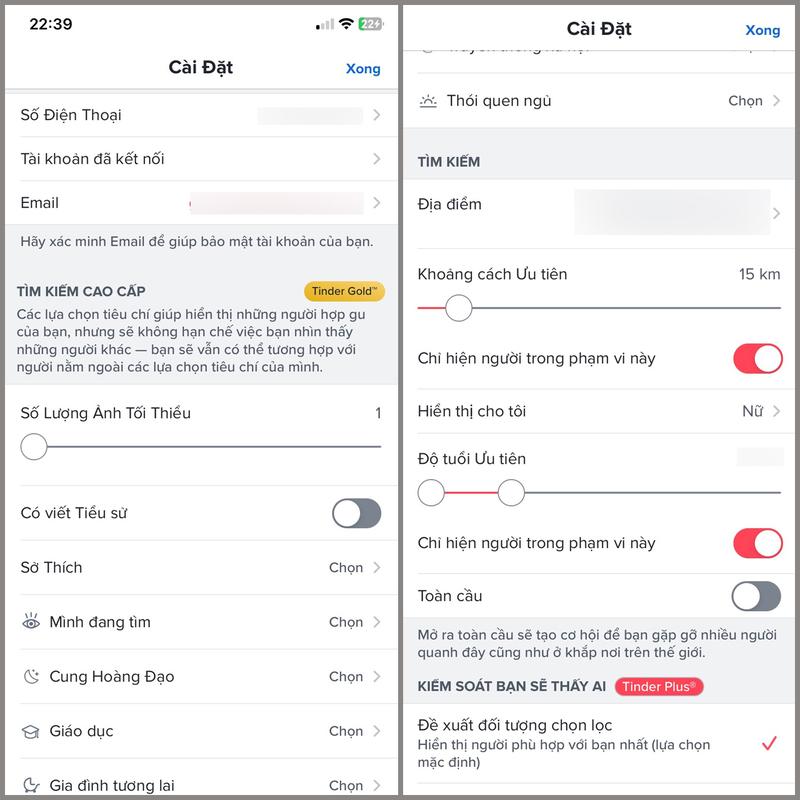
To access settings, tap your profile icon in the bottom navigation bar, then select the gear icon. Here, you can refine discovery preferences:
- Adjust maximum distance for matches
- Set preferred age range
- Update contact information (email or phone)
- Control who sees your profile (global or location-based)
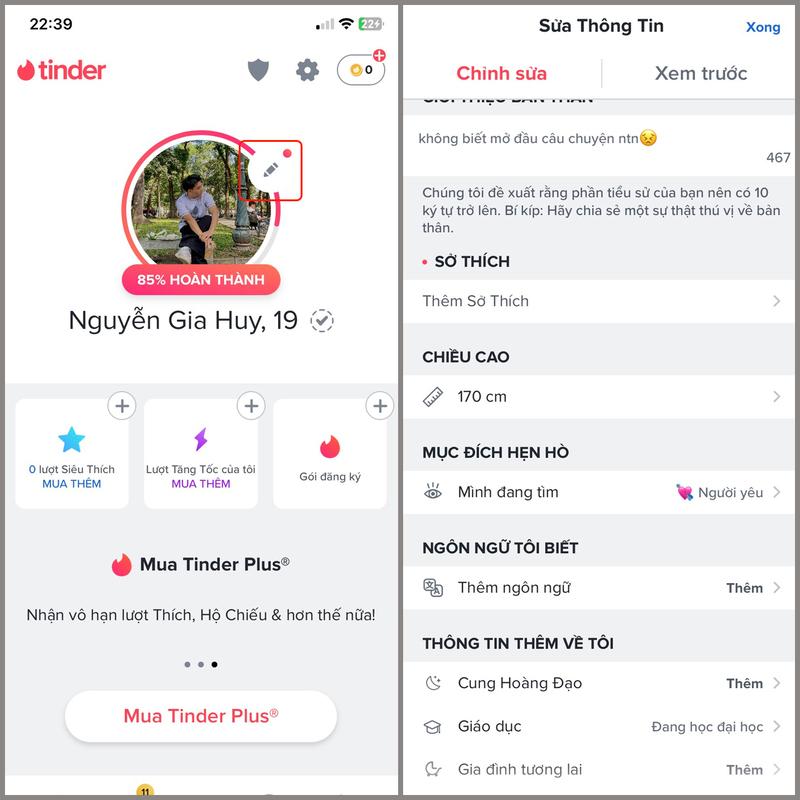
For personal information edits, return to your profile and tap the pencil icon on your main photo. This section allows:
- Uploading up to nine high-quality photos (recommend a mix of close-ups, full-body shots, and activity-based images)
- Crafting a compelling bio (up to 500 characters—use humor, honesty, or intriguing questions)
- Adding verified details like job, education, height, and lifestyle habits
- Selecting interests from a vast library to improve matching accuracy
Downloading and Creating a New Tinder Account
Getting started with Tinder is straightforward and takes just minutes.
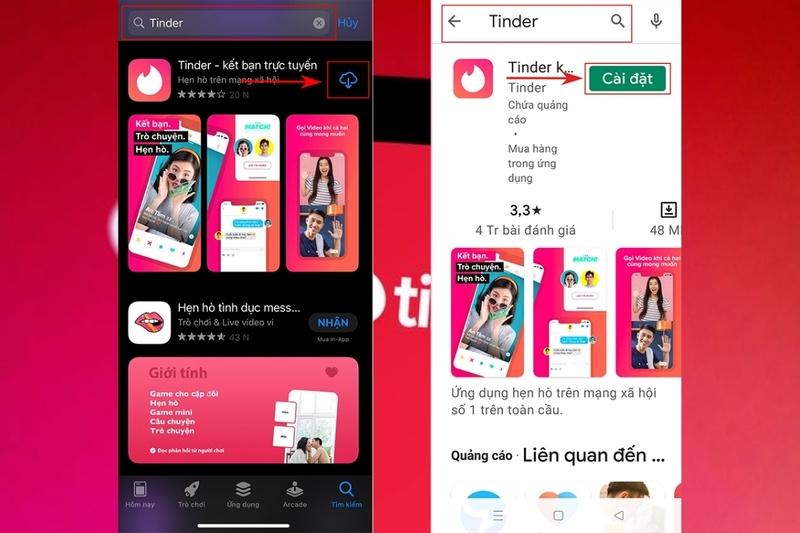
First, visit your device’s app store:
- iOS users: Open the App Store
- Android users: Launch Google Play Store
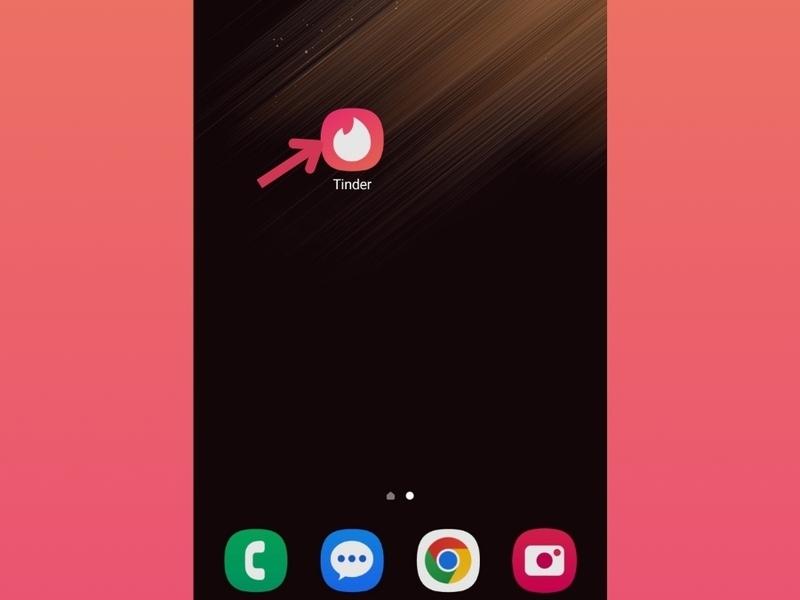
Search for “Tinder” and tap “Install” or “Get.”
Once installed, open the app. You’ll be prompted to create an account using one of these methods:
- Google account
- Phone number
- Facebook (note: this links your Facebook profile photos and basic info)

Regardless of method, Tinder requires phone verification for security. Enter your number and input the received OTP code.


Accept the terms of service, then complete your profile setup:
- Enter your display name
- Provide your birthdate (must be 18+)
- Select your gender identity
- Choose sexual orientation
- Specify which genders you’d like to see


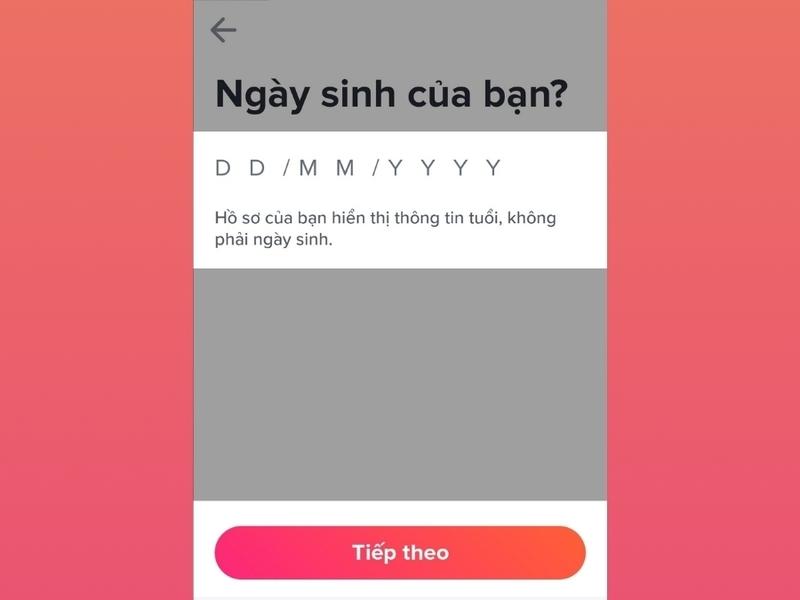
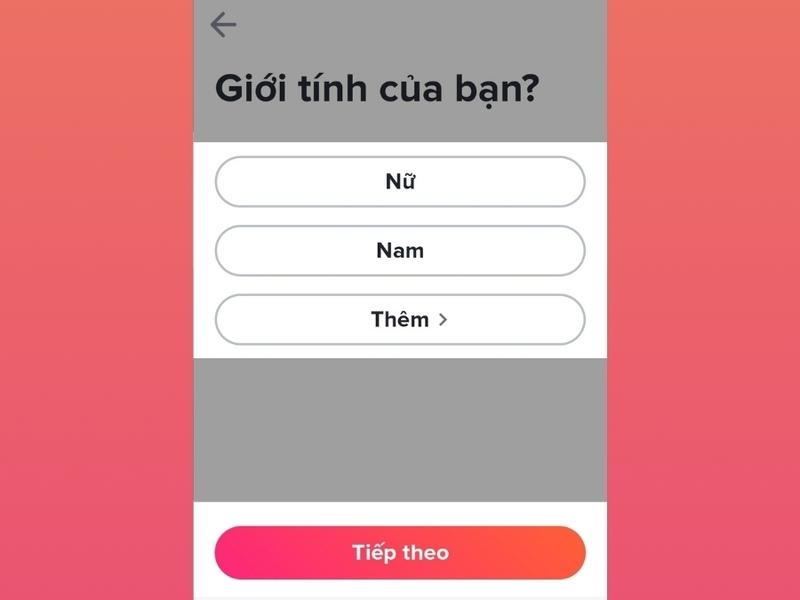


Add optional details like school, job, and up to five interests. Finally, enable location services—this is essential for the app’s core functionality.


Mastering Core Tinder Features and Interactions
Initiating Conversations and Messaging
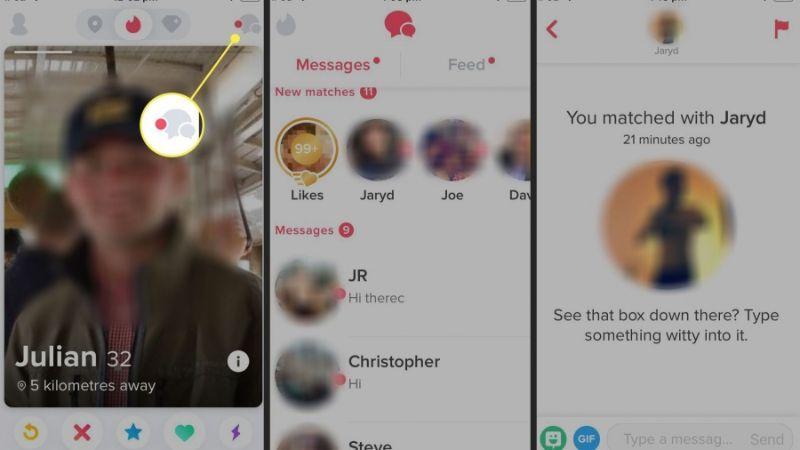
The key to meaningful connections starts with mutual interest. Swipe right on profiles that intrigue you. When someone swipes right on you too, it’s a match! Only then can messaging begin.
Once matched, tap the speech bubble icon to access chats. Craft thoughtful opening messages referencing their bio or photos—generic “hey” messages rarely succeed. Use humor, shared interests, or genuine questions to spark engaging dialogue.
Changing Your Display Name
Tinder does not allow direct name changes on existing accounts to prevent misuse. To update your name, you must delete your current account and create a new one. This action permanently removes all matches, messages, and data—use cautiously.
Deleting Your Tinder Account Permanently
If you’ve decided to take a break or leave the platform:
- Go to your profile
- Tap Settings (gear icon)
- Scroll down and select “Delete Account”
- Confirm your choice and provide feedback if desired
This removes your profile from discovery and erases associated data.
Exploring Tinder’s Premium Subscription Tiers
While the free version offers robust functionality, premium subscriptions unlock powerful tools for serious users.
Tinder Boost: Instant Visibility Surge
A standalone feature, Boost places your profile at the top of the stack in your area for 30 minutes, dramatically increasing views and matches. Ideal for weekends or travel. Premium subscribers receive one free Boost monthly.
Tinder Plus: Enhanced Control and Freedom
This entry-level subscription removes swipe limits and ads while adding:
- Unlimited Likes
- Rewind (undo accidental left swipes)
- Passport (change location to match globally)
- Hide age/distance
- 5 Super Likes per day
- Monthly Boost
Perfect for active users seeking broader reach.
Tinder Gold: See Who Likes You
Building on Plus features, Gold adds the game-changing “Likes You” grid, showing everyone who has already swiped right on you. This eliminates guesswork and lets you focus on guaranteed matches. Also includes daily Top Picks—curated profiles based on your preferences.
Tinder Platinum: Priority and Message Before Matching
The ultimate tier includes everything from Gold plus:
- Message Before Matching (attach a note to Super Likes)
- Priority Likes (your profile seen sooner by others)
- See likes you’ve sent in the past week
Designed for users prioritizing efficiency and standout visibility.
By understanding these features and applying strategic profile optimization, you’ll transform your Tinder experience from casual swiping to purposeful connections. Focus on authenticity, respect boundaries, and enjoy the journey of meeting fascinating people worldwide.