

Renowned for its exceptional capabilities in producing intricate 3D models, dynamic animations, and stunning visual effects, Autodesk 3ds Max stands as an indispensable tool for professionals across design, entertainment, and engineering disciplines. This comprehensive exploration delves into the essence of Autodesk 3ds Max, highlighting its sophisticated features, powerful integrated tools, and transformative applications in various industries.
Understanding Autodesk 3ds Max
Autodesk 3ds Max is a premier professional 3D computer graphics software developed by Autodesk, empowering creators to craft highly detailed three-dimensional models, lifelike animations, advanced visual effects, and high-resolution renders. Widely recognized as one of the most robust platforms in the industry, it supports complex workflows that demand precision and creativity.
Originally introduced in the 1990s under different names such as 3D Studio, the software evolved significantly before adopting its current branding in the mid-2000s. It operates seamlessly on Microsoft Windows platforms, both 32-bit and 64-bit architectures, and benefits from an extensive ecosystem of plugins and extensions that enhance its core functionality. This versatility has cemented its position as a cornerstone in professional 3D production pipelines worldwide.
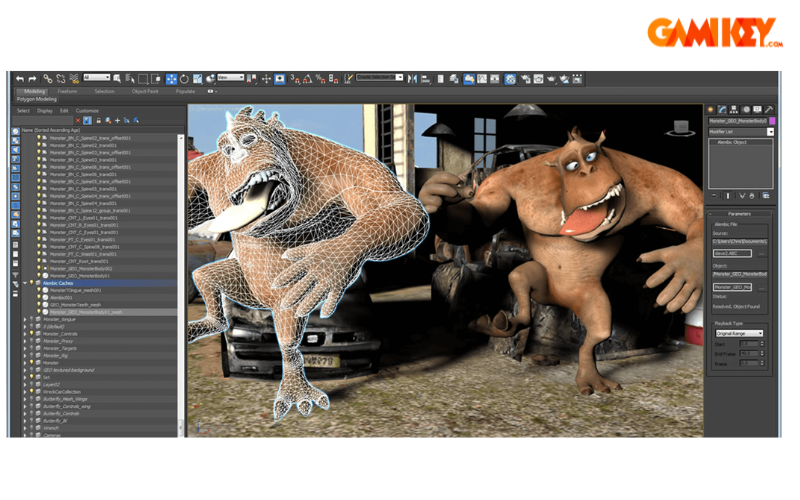
Key Integrated Tools in Autodesk 3ds Max
Autodesk 3ds Max excels through its rich suite of built-in tools, each designed to streamline specific aspects of 3D creation and enhance productivity. Below, we examine some of the most impactful instruments that define its power.
MAXScript
MAXScript serves as the proprietary scripting language embedded within Autodesk 3ds Max, offering unparalleled customization. Users can develop automated workflows, create custom tools, and execute repetitive tasks with remarkable efficiency. This scripting capability transforms routine operations into streamlined processes, significantly boosting workflow speed and accuracy for advanced users.
General Keyframing
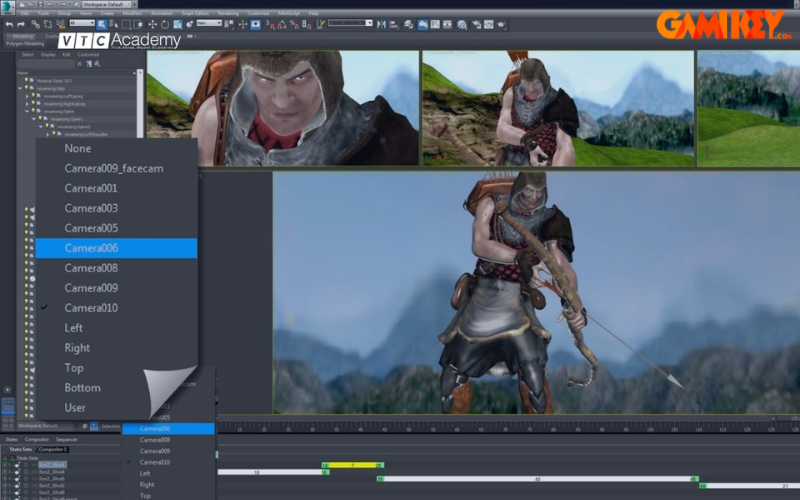
The General Keyframing system provides intuitive control over object motion by allowing precise placement of keyframes along timelines. Artists can refine trajectories, adjust timing, and ensure fluid, realistic animations—essential for character movement and mechanical simulations alike.
Mental Ray
Once a flagship renderer acquired and integrated by Autodesk, Mental Ray delivers photorealistic rendering through advanced global illumination and bucket-based processing. Though newer renderers like Arnold have taken prominence in recent versions, its legacy contributions to high-quality image synthesis remain influential.
Character Studio
Character Studio is a dedicated rigging and animation plugin that simplifies the creation of bipeds and complex character setups. It enables rapid bone structure development, skin weighting adjustments, and natural motion capture integration, making it ideal for animated films and games.
Skinning Tools
Advanced skinning features grant meticulous control over how meshes deform around skeletal structures. Artists can paint weights, mirror adjustments, and fine-tune envelopes to achieve lifelike deformations without artifacts.
Scene Explorer
Scene Explorer offers a hierarchical view of all scene elements, facilitating efficient organization, selection, and filtering. In large-scale projects with thousands of objects, this tool becomes invaluable for maintaining clarity and control.
Modeling Toolset
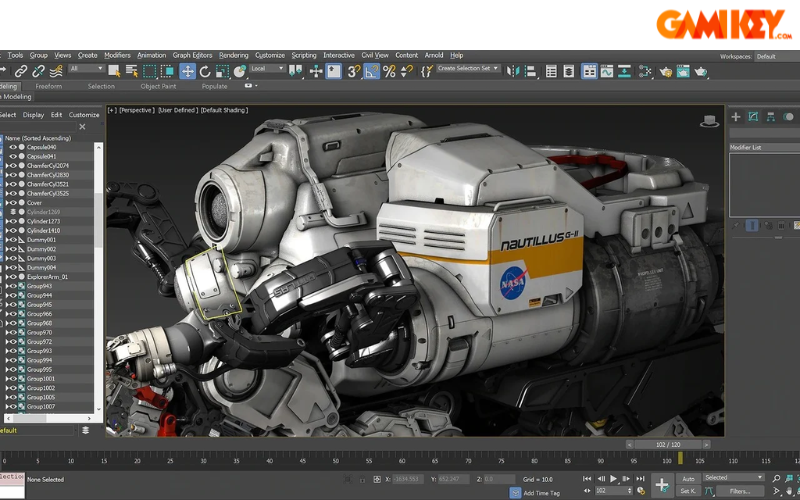
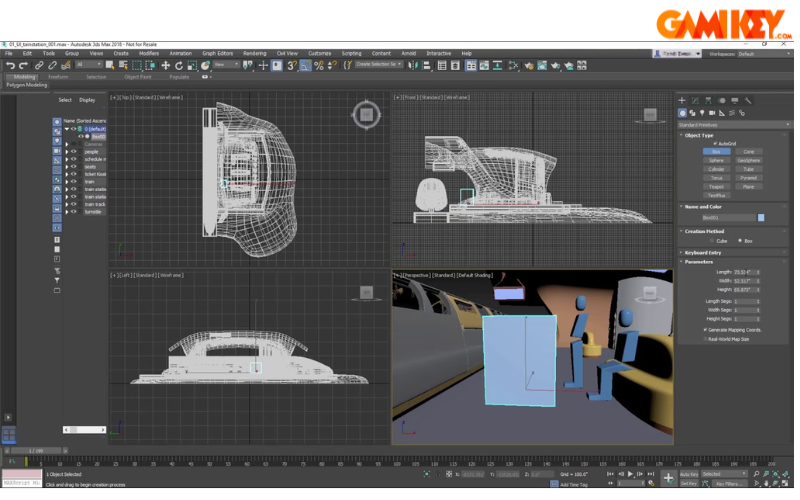
The software supports multiple modeling paradigms, including polygonal modeling for organic and hard-surface assets, vertex-level editing for precision, and NURBS for smooth, mathematically precise surfaces. These complementary approaches allow creators to tackle any geometry challenge effectively.
Standout Features of Autodesk 3ds Max
Beyond its core tools, Autodesk 3ds Max distinguishes itself with innovative features that push creative boundaries and improve production efficiency.
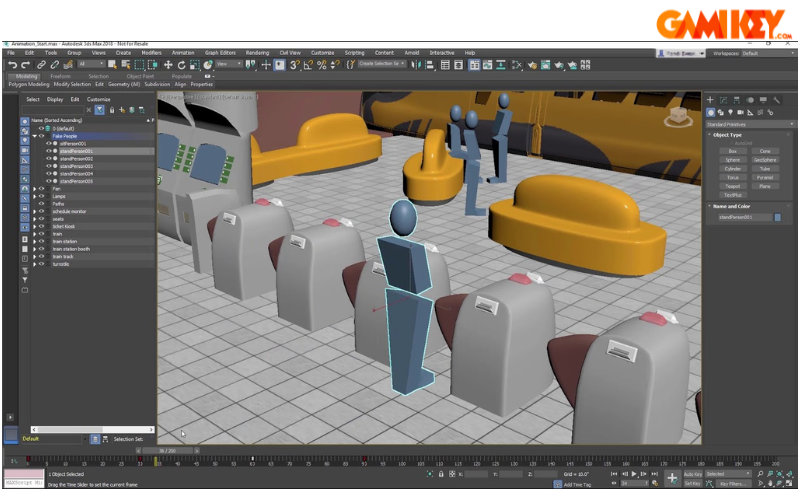
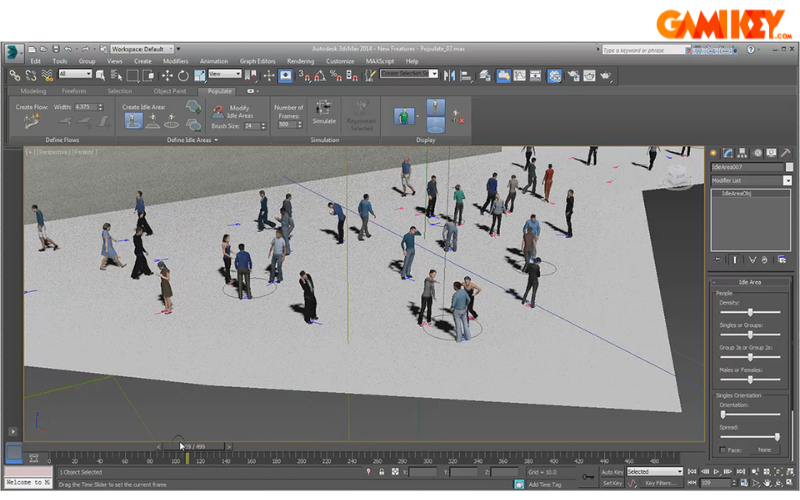
Motion paths visualization enables real-time previewing and editing of animation trajectories, ensuring smooth and predictable movement. The Character Animation Toolkit (CAT) provides pre-built rigs and muscle systems for rapid character setup and crowd simulation.
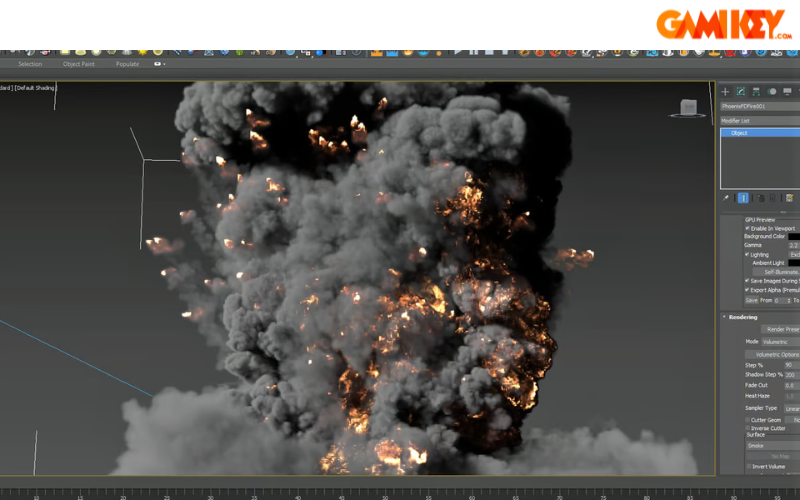
General animation controllers offer layered keyframing, constraints, and procedural motion options. Particle Flow systems allow intricate effects creation, from flames and smoke to rain and snow, with physics-based behavior.
Max Creation Graph (MCG) introduces node-based procedural animation and modifier creation, fostering reusable assets and complex deformations. Simulation data import supports industry-standard formats like OpenVDB and CSV, integrating real-world physics data seamlessly.
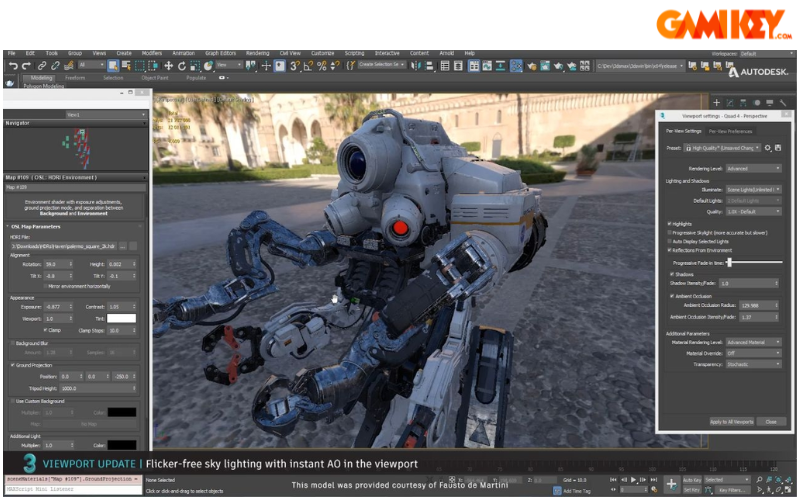
Physical cameras replicate real-world optics, including depth of field, motion blur, and exposure controls. High-DPI display support ensures crisp interfaces on modern 4K and retina screens. Customizable workspaces allow personalized layouts, while extensive texture management tools facilitate advanced UV mapping, baking, and material authoring.
Advantages of Using Autodesk 3ds Max
The enduring popularity of Autodesk 3ds Max stems from numerous strengths that cater to professional demands:
- Versatile modeling capabilities spanning simple primitives to highly detailed organic forms and architectural elements.
- Professional-grade animation tools that support both keyframe and procedural techniques for realistic motion.
- Robust visual effects simulation, including fluids, cloth, hair, and destruction systems.
- Intuitive, customizable user interface that adapts to individual workflows and experience levels.
- Broad hardware compatibility and optimized performance across various Windows configurations.
- An active global community providing tutorials, scripts, and third-party plugins.
- Extensive plugin ecosystem, including industry standards like V-Ray, Corona, and TyFlow, expanding functionality dramatically.
Real-World Applications of Autodesk 3ds Max
Autodesk 3ds Max influences multiple industries by enabling photorealistic visualization and efficient prototyping.
In Game Development
Game studios rely on Autodesk 3ds Max for asset creation—characters, environments, vehicles, and props. Its tools excel at high-poly modeling, normal map baking, and rigging, ensuring assets translate seamlessly into engines like Unreal and Unity.
In Architecture and Interior Design
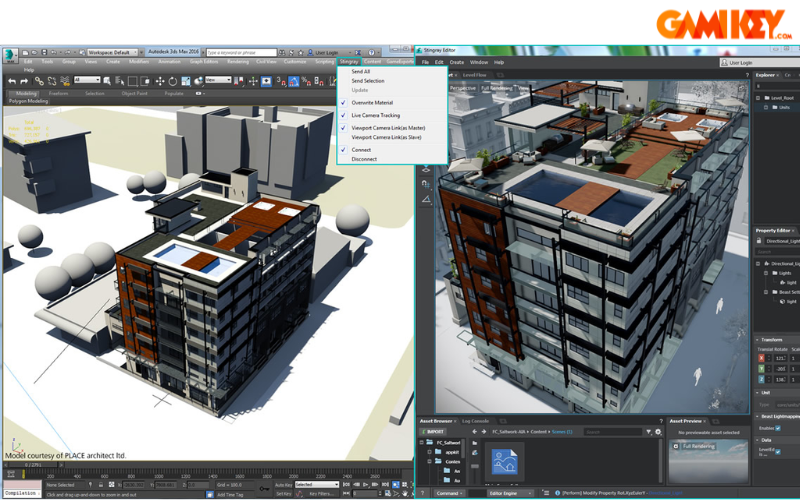
Architects and designers use Autodesk 3ds Max to produce photorealistic renderings and virtual walkthroughs. Integration with Revit and AutoCAD streamlines BIM workflows, while powerful lighting and material tools create compelling presentations for clients.
In Film and Television
Motion picture productions leverage Autodesk 3ds Max for visual effects, set extensions, and fully CG sequences. Its compositing-friendly output and integration with tools like After Effects make it a staple in blockbuster pipelines.
In Mechanical Engineering and Product Design
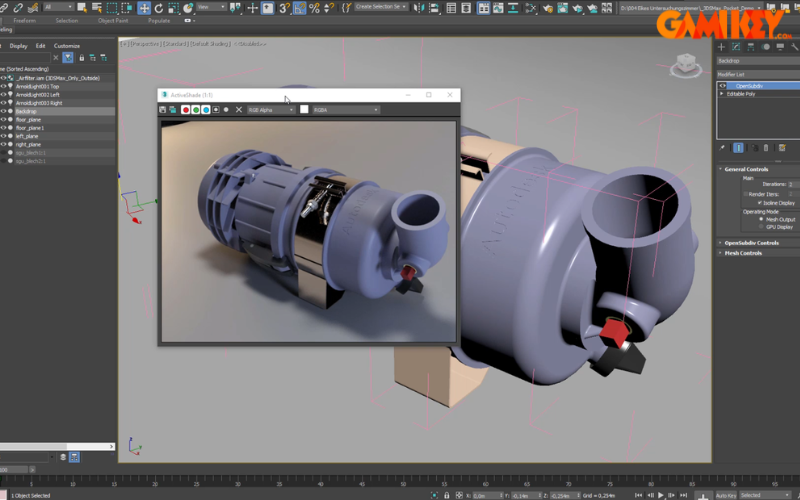
Engineers employ Autodesk 3ds Max for product visualization, assembly animations, and marketing renders. Precise modeling ensures accurate representation before physical prototyping.
This in-depth overview illuminates why Autodesk 3ds Max remains a leading choice for 3D professionals. Its combination of powerful tools, innovative features, and broad industry applicability continues to drive creativity and innovation across diverse fields.