

Discord has evolved far beyond its origins as a communication hub for gamers, emerging as a vibrant platform where music enthusiasts can seamlessly integrate high-quality audio experiences into their servers. One of the most compelling features is the ability to stream music directly from sources like YouTube without ever leaving the voice channel. This is made possible through sophisticated Discord music bots, automated tools that transform ordinary chat rooms into dynamic listening environments. In this comprehensive guide, we explore the premier Discord music bots available today, highlighting their unique capabilities, setup processes, and why they stand out in an increasingly competitive landscape.
Detailed Guide: How to Add a Music Bot to Your Discord Server
Integrating a Discord music bot into your server is a straightforward process that requires only a few minutes. Below is an in-depth, step-by-step walkthrough designed to ensure success even for first-time users.
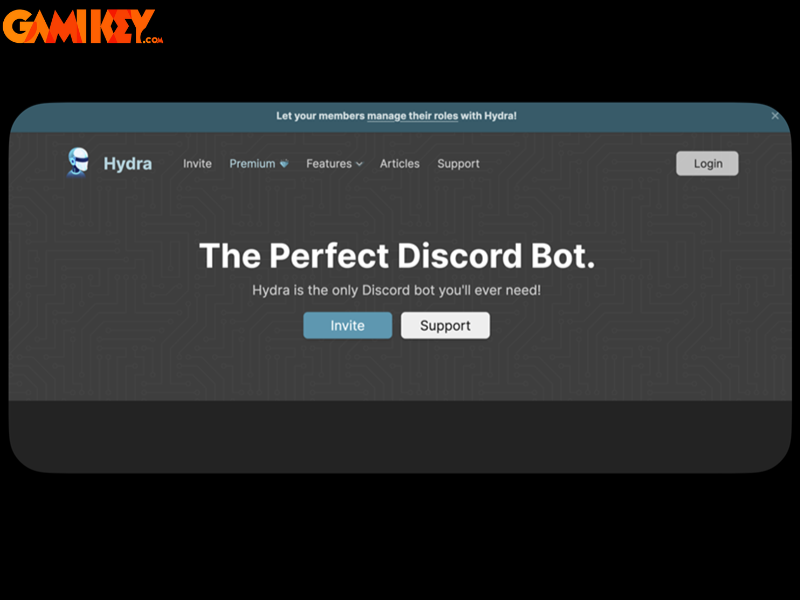
- Visit the Official Bot Website: Begin by navigating to the dedicated webpage of the Discord music bot you wish to invite. Most reputable bots provide a clear, prominently displayed invitation link on their homepage.
- Initiate the Invitation: Locate and click the prominent “Invite” or “Add to Server” button. This action redirects you to Discord’s authorization portal.
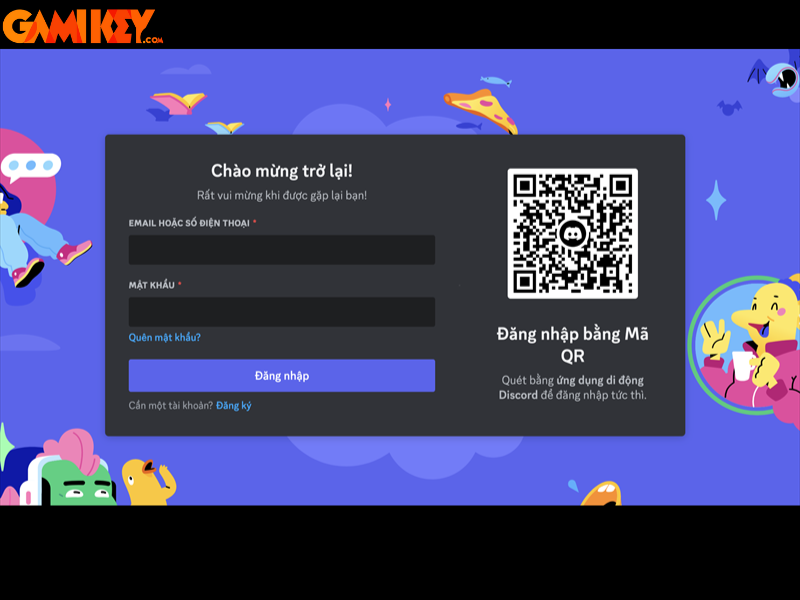
- Authenticate with Discord: You will be prompted to log in using your Discord credentials if you aren’t already signed in. This step ensures secure authorization.
- Select Server and Grant Permissions: Choose the specific Discord server from the dropdown menu, then carefully review and approve the required permissions. These typically include connecting to voice channels, speaking, and managing messages for optimal functionality.

Once completed, the bot will appear in your server’s member list, ready to receive commands. Most bots include a help command (often !help or /help) that displays all available features and syntax.
Top-Rated Discord Music Bots for Seamless YouTube and Multi-Platform Streaming
The ecosystem of Discord music bots is rich and diverse, offering solutions ranging from high-fidelity playback to specialized genre-focused experiences. The following selections represent the most reliable, feature-packed, and community-trusted options currently available.
Hydra Bot
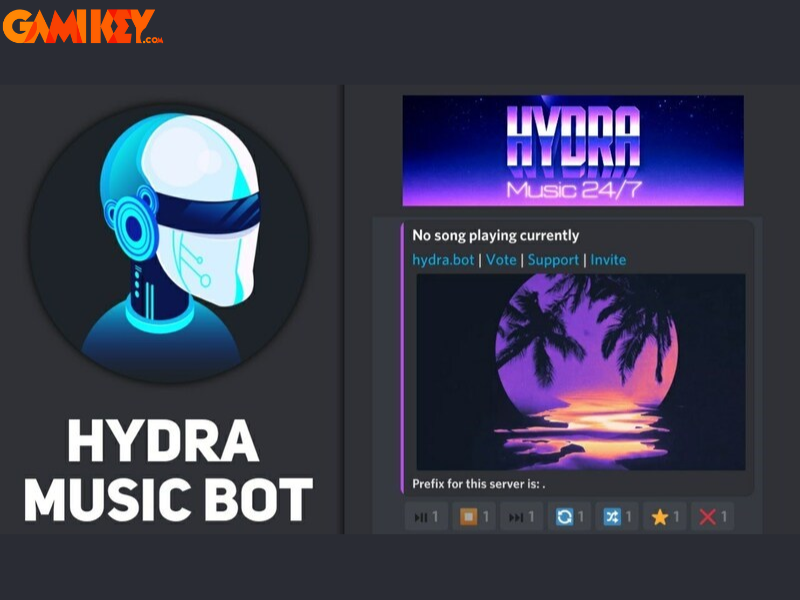
Hydra stands as one of the most sophisticated and widely adopted Discord music bots, renowned for its exceptional audio quality and extensive customization options. It supports direct streaming from YouTube, SoundCloud, Spotify links, and numerous other platforms, delivering crystal-clear playback with minimal latency.
A defining feature is its interactive song request channel system, which creates a dedicated text channel exclusively for queue management—perfect for larger communities. The premium tier unlocks advanced capabilities such as global volume control across servers, 24/7 uninterrupted playback, sophisticated audio effects (bass boost, nightcore, vaporwave), autoplay algorithms, and unlimited playlist storage.
Hydra’s command structure is intuitive yet powerful, supporting complex queue manipulation, lyrics display, and even DJ role assignments. Its stability and frequent updates have positioned it as a leading successor to discontinued giants like Groovy and Rythm.
Jockie Music
Jockie Music distinguishes itself through unparalleled source versatility, enabling playback from YouTube, Spotify, Apple Music, Deezer, SoundCloud, Bandcamp, and Twitch streams. This multi-platform compatibility makes it ideal for diverse music tastes within a single server.
The bot supports multiple simultaneous instances, allowing different voice channels to run independent queues—a rare and valuable feature for servers hosting varied activities. Advanced audio filters, equalizer presets, and real-time volume adjustment ensure professional-grade sound customization.
Jockie’s dashboard provides web-based management for playlists, favorites, and server-specific settings, reducing reliance on in-chat commands. Its robust search functionality handles partial titles, artist names, and even playlist URLs flawlessly.
MEE6
MEE6 transcends the traditional Discord music bot category by functioning as a comprehensive server management suite. While its music features are robust—supporting YouTube, SoundCloud, and direct links—the bot excels in moderation, custom commands, reaction roles, and leveling systems.
The music module offers high-quality streaming, playlist persistence across restarts, and seamless queue management. Integration with Twitch and YouTube notifications keeps communities engaged with content creators. Its XP-based ranking system encourages participation through music interaction and chat activity.
With a sleek web dashboard for configuration, MEE6 appeals to administrators seeking an all-in-one solution that combines entertainment with effective server governance.
FredBoat
FredBoat delivers a reliable, completely free Discord music bot experience focused on simplicity and performance. Supporting YouTube, SoundCloud, Bandcamp, direct URLs, and playlists, it handles large queues efficiently without premium restrictions.
Key strengths include comprehensive playback history tracking, advanced search capabilities across supported platforms, and shuffle modes that maintain variety. The bot’s permission system allows fine-grained control over who can manage the queue, preventing chaos in public servers.
FredBoat’s longevity and consistent uptime make it a trusted choice for communities prioritizing stability over flashy features.
Chip Bot
Chip Bot specializes in curated lo-fi and chill beats, offering dedicated radio-style streams alongside traditional queue functionality. Its always-on lo-fi channels provide background ambiance perfect for study sessions, work, or relaxed gaming.
Beyond genre-specific streams, Chip supports standard music playback with bass boost, speed controls, and visualizer integration. The bot frequently updates its lo-fi libraries with fresh tracks, ensuring variety over extended listening periods.
Its lightweight footprint and minimal permission requirements make Chip ideal for smaller servers seeking atmospheric enhancement without complexity.
ChillBot
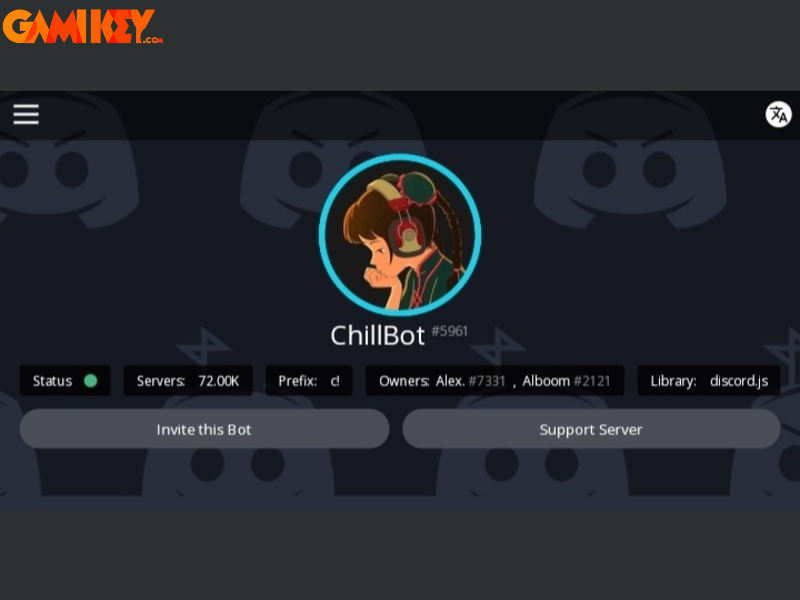
ChillBot focuses exclusively on continuous lo-fi playback, functioning as an endless radio station optimized for relaxation and focus. Without individual track requests, it eliminates decision fatigue while maintaining high-quality, curated selections.
The bot cycles through extensive lo-fi libraries featuring beats to study/relax to, incorporating seasonal and thematic variations. Basic controls allow pausing, volume adjustment, and track skipping when needed.
Perfect for background ambiance during long Discord sessions, ChillBot requires virtually no management once invited.
Octave
Octave combines premium audio quality with entertainment extras, supporting YouTube, SoundCloud, and playlist imports while including unique features like meme generation and quote storage.
Its audio engine prioritizes clarity and bass response, rivaling paid alternatives. Persistent queues, saved playlists, and cross-server favorites enhance long-term usability.
Octave’s enduring presence across thousands of servers demonstrates its reliability and ongoing development commitment.
Vexera
Vexera provides a balanced, multifunctional Discord music bot experience with strong moderation and utility features alongside robust playback capabilities. Supporting major streaming sources, it includes advanced audio filters and equalizer settings.
Server analytics, auto-moderation, and customizable welcome messages complement its music functionality, creating a comprehensive enhancement package. Its intuitive command prefix and slash command support ensure accessibility for all users.
The world of Discord music bots continues to evolve, offering increasingly sophisticated ways to integrate audio into community experiences. Whether seeking high-fidelity playback, genre-specific ambiance, or comprehensive server enhancement, these bots deliver exceptional value. Selecting the right bot depends on your server’s size, preferred music sources, and desired feature set—experimentation often reveals the perfect match.
By incorporating one or more of these Discord music bots, you can transform routine voice channels into immersive listening environments that strengthen community bonds through shared musical discovery.