

Have you ever felt that pang of disappointment when your hard-earned Duolingo streak suddenly disappears? Don’t worry — you’re not alone, and more importantly, there are reliable ways to recover it. In this comprehensive guide, we’ll explain exactly what a Duolingo streak is, why it gets lost, and most importantly, step-by-step methods to restore it quickly and effectively. Whether you’re a beginner or a long-time learner, getting your streak back can reignite your motivation and keep your language-learning journey on track.
Understanding the Duolingo Streak System
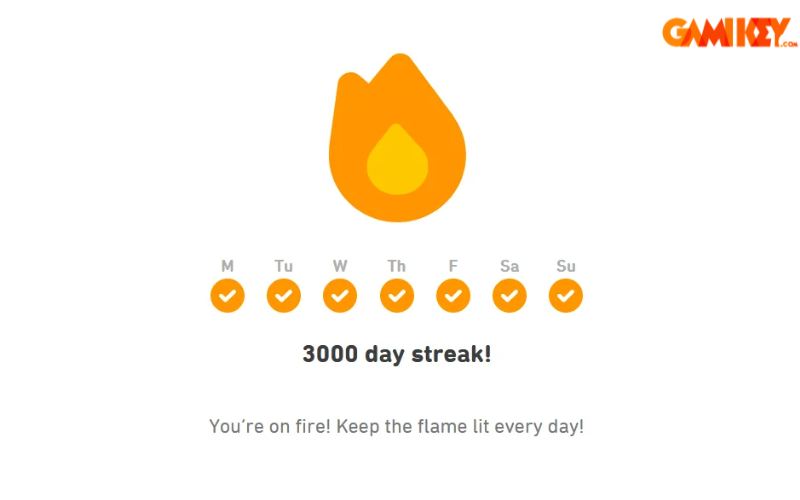
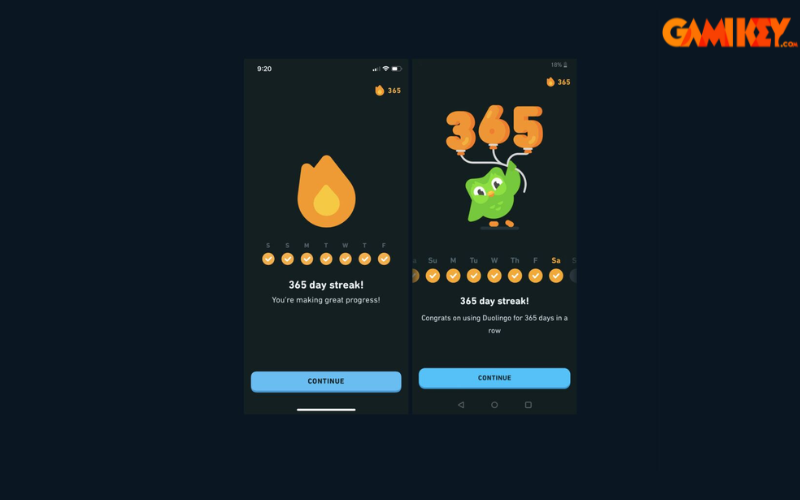
The Duolingo streak (often called a “streak” or “day streak”) is one of the most powerful motivational tools in the app. It counts the number of consecutive days you’ve completed at least one lesson. Every day you practice, your streak grows by one. The longer your streak, the greater the sense of accomplishment — and the stronger the psychological commitment to keep going.
Duolingo uses streaks to tap into the human need for consistency and progress tracking. A high streak number becomes a point of pride for many users, encouraging daily engagement even when motivation is low.
Common Reasons Your Duolingo Streak Gets Lost
Understanding why streaks break is the first step toward preventing future losses. Here are the most frequent causes:
- Forgetting to complete a lesson on a given day — This is by far the #1 reason. Duolingo requires at least one XP-earning activity (lesson, practice, or story) before midnight in your local time zone.
- Time zone or device clock issues — Traveling across time zones or having an incorrect device date/time can confuse the app’s streak counter.
- Technical glitches or app bugs — Rare, but occasional server-side or app crashes can fail to register your activity.
- Ignoring daily reminders — Many users miss the push notification or in-app reminder and simply forget.
- Long periods of inactivity — If you stop using the app for weeks, Duolingo may stop sending reminders altogether.
How to Restore Your Lost Duolingo Streak
Option 1: Use Streak Freeze (Best Preventive & Recovery Method)
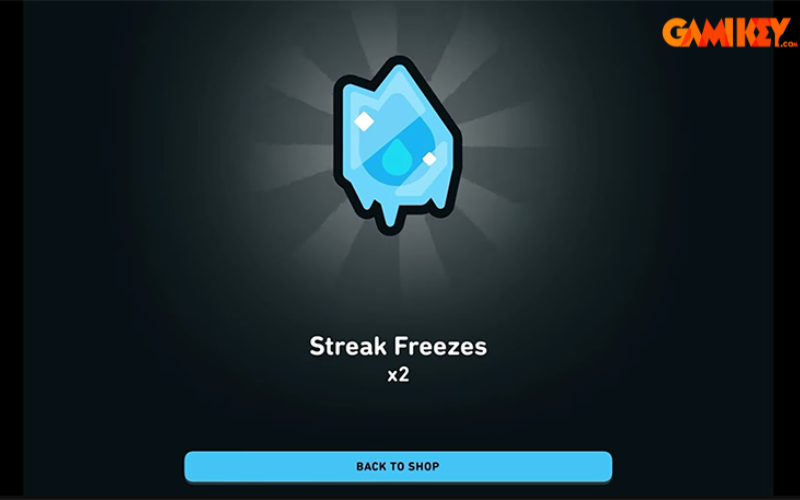
Streak Freeze is a special item that protects your streak for one full day — even if you don’t complete any lessons. It’s the most reliable way to avoid losing a long streak during travel, busy weekends, or unexpected emergencies.
How to get and use Streak Freeze:
- Earn gems through daily practice, quests, or leagues
- Visit the Duolingo Shop (diamond icon in the app)
- Purchase a Streak Freeze (costs 10 gems for Super users, more for free users)
- Activate it before the day ends — it will cover that day automatically
Pro tip: Many experienced learners keep 2–3 Streak Freezes in reserve for emergencies.
Option 2: Correct Device Date & Time Settings
Duolingo calculates streak days based on your device’s local time zone. If your phone’s clock is wrong or automatic time zone updates are disabled, the app may think you missed a day.
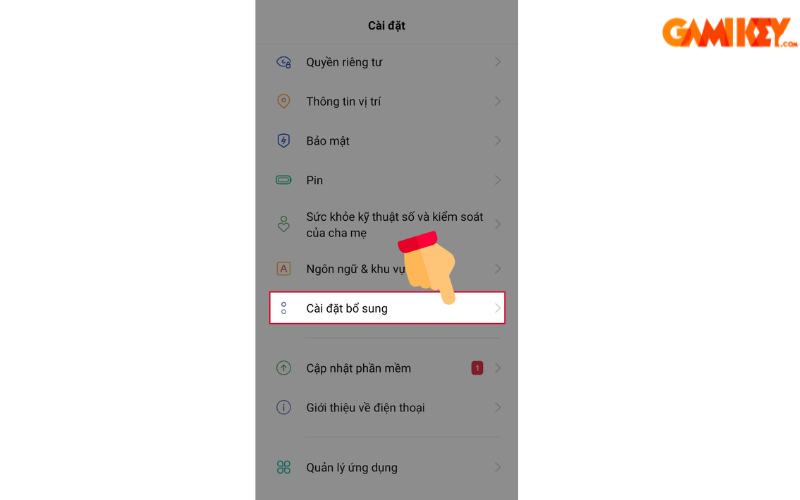
For Android devices:
- Go to Settings → Additional settings
- Select Date & time
- Turn ON both “Automatic date & time” and “Automatic time zone”

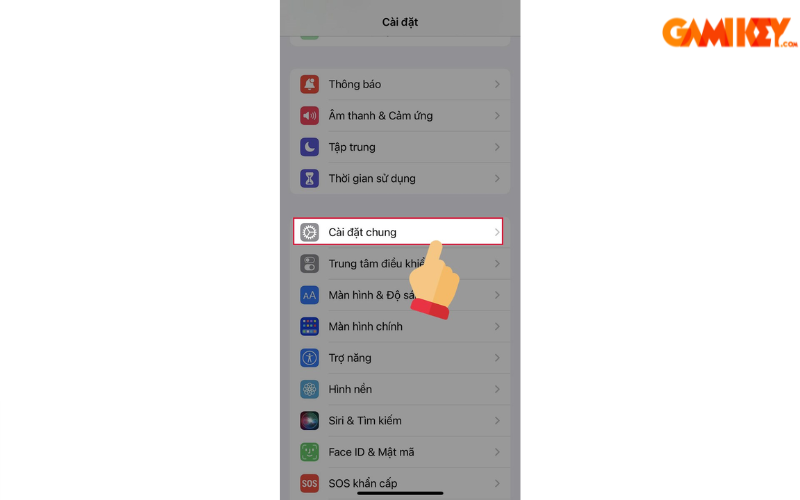
For iOS (iPhone/iPad):
- Open Settings → General
- Tap Date & Time
- Turn ON “Set Automatically” (slider turns green)
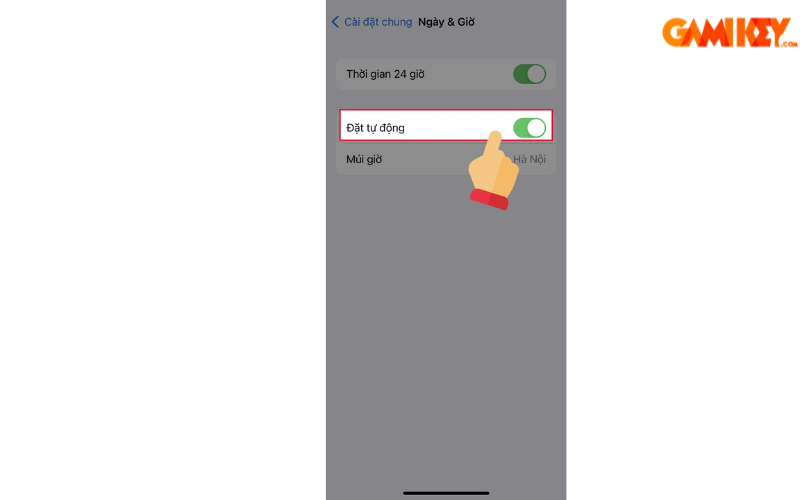
After correcting the time settings, open Duolingo again — in many cases, your streak magically reappears if the issue was purely time-related.
Advanced Tips to Protect & Maintain Long Streaks
Use Weekend & Travel Protection Strategically
Super Duolingo members can purchase a “Weekend Streak Freeze” that covers both Saturday and Sunday. This is ideal for users who know they’ll be busy on weekends.
Leverage Duolingo Super Benefits
Duolingo Super subscribers receive:
- Unlimited hearts (no more losing hearts)
- Ad-free experience
- Discounted Streak Freezes
- Priority access to new features
Many long-streak users (100+ days) choose Super precisely because it makes streak maintenance much easier.
Build a Bulletproof Daily Habit
Even with all the tools above, the best protection is consistency. Try these proven strategies:
- Practice at the same time every day (e.g., during morning coffee)
- Complete at least one 5-minute lesson even on busy days
- Use the “Practice” button when you’re short on time — it still counts
- Turn on all push notifications in the app settings
Frequently Asked Questions About Duolingo Streaks
Can I recover a streak that was lost months ago?
Unfortunately, no. Duolingo only allows recovery if the loss was recent and caused by a technical/time-zone issue. For older losses, the streak is permanently reset.
Does practicing offline count toward the streak?
Yes — as long as you complete the lesson while offline and then sync when you’re back online before midnight.
Do stories or podcasts count?
Yes! Listening to a podcast episode or completing a story also earns XP and protects your streak.
Conclusion & Next Steps
Your Duolingo streak is more than just a number — it’s proof of your dedication. By understanding how the system works, preventing common mistakes, and using tools like Streak Freeze, you can protect your progress for months or even years.
If you ever need a fresh start or want to accelerate your learning with premium features, check out trusted platforms like Gamikey for affordable Duolingo Super accounts.
Want to dive deeper into Duolingo strategies? Explore these related guides:
- How to learn effectively on Duolingo
- Mastering Korean with Duolingo
- Changing your Duolingo profile picture
- Downloading Duolingo for PC
- Why Duolingo is great for learning English
Keep your streak alive — every day counts!