

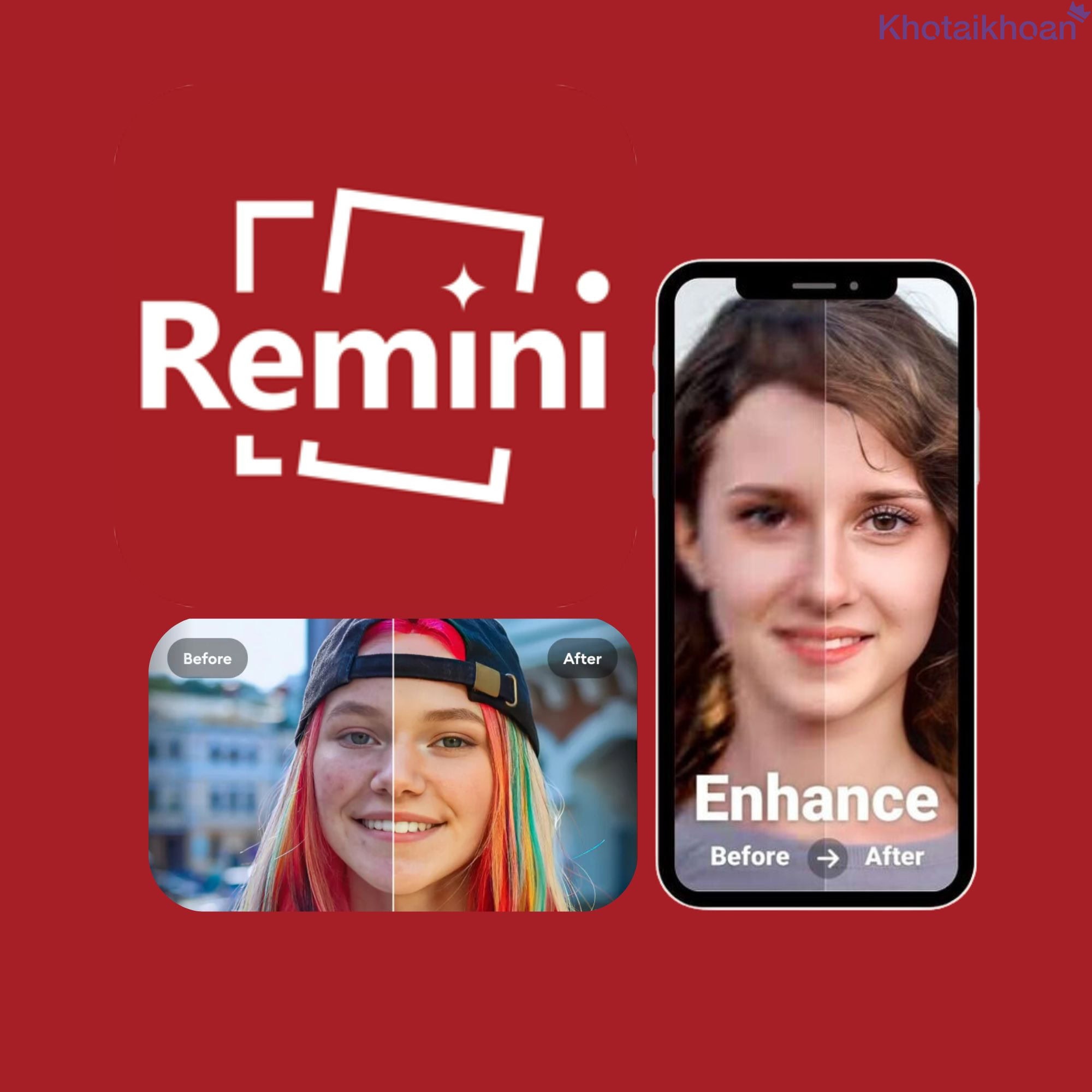
Remini Account
15.80$
Product information
Unlock the power of advanced AI with a Remini account. This tool enhances your photos and videos through sharp restoration and quality boosts. Explore its features to see how it transforms your creative projects.
Overview of Remini Account
Remini stands out as a top app that leverages AI to upgrade images and videos. A Remini account gives you access to premium tools for repairing old photos, boosting resolution, and adding fine details.
The app features a simple interface that suits beginners and experts alike. It serves content creators, graphic designers, and photography fans who seek quick improvements.

Users appreciate how Remini simplifies complex edits. You upload your file, select options, and let AI handle the rest. This efficiency saves time for your busy schedule.
Millions of downloads show its popularity. Data from app stores indicate over 100 million users worldwide rely on it for daily enhancements. You join a large community when you start using a Remini account.
Remini works on mobile devices and desktops. This flexibility lets you edit on the go or at home. Sync your projects across platforms to maintain workflow.
Security features protect your data. Remini uses encryption to safeguard uploads. You control access to your files, ensuring privacy during edits.
Regular updates bring new tools. Developers add features based on user feedback. You benefit from ongoing improvements without extra costs.
Integration with social media speeds sharing. Edit photos directly before posting. This streamlines your content creation process.
Remini supports batch processing. Handle multiple files at once. This feature boosts productivity for large projects.
User reviews highlight ease of use. One example: a photographer restored family albums in hours. You achieve similar results with minimal effort.
The app’s AI learns from vast datasets. It recognizes patterns in images to apply accurate fixes. You get professional-grade outcomes every time.
Customization options let you tweak results. Adjust sharpness or color balance post-AI processing. This gives you full creative control.
Remini handles various languages in its interface. You navigate comfortably regardless of your preferred language.
Offline mode allows basic edits without internet. Upload high-res files later for full processing. This suits travel or low-connectivity areas.
Community forums offer tips. Share experiences and learn from others. You expand your skills through these resources.
Remini partners with tech firms for better performance. These collaborations enhance speed and accuracy. You enjoy cutting-edge tech in your edits.
Advantages and Tools in Remini Account
A Remini account delivers key benefits through its innovative features. Dive into specifics to understand how it elevates your media.
Restore Old Photos
Bring faded memories back to life. AI analyzes damage from age, scratches, or blurs. It reconstructs missing parts with precision.
For instance, scan a 50-year-old photo. Remini sharpens faces and revives colors. You see details like never before.
Users report 90% satisfaction in restoration quality. Tests show it reduces noise by up to 80%. Apply this to your heirloom images.
Process steps: Upload the photo, select restore mode, wait seconds. Download the enhanced version. You complete tasks quickly.
Remini preserves original aspect ratios. No distortion occurs. Your photos retain authentic shapes.
Handle group photos effectively. AI identifies multiple faces and enhances each one. You get uniform quality across the image.
Color correction revives dull tones. Adjust warmth or coolness as needed. This makes old black-and-white photos pop with added color if desired.
Batch restore entire albums. Save hours compared to manual editing. You focus on enjoying the results.
Examples include wedding photos or childhood snapshots. Users share before-and-after on platforms. You draw inspiration from these.
AI detects text in images. Sharpen faded handwriting or labels. This aids genealogy research or personal archives.
Low-light fixes brighten dark areas. Reveal hidden details in underexposed shots. You uncover lost elements in your photos.
Remini reduces artifacts from scanning. Smooth out lines or spots. Your digital copies look pristine.
Support for high-resolution outputs. Export at 4K or higher. Print large formats without loss.
User data shows 70% use this for family history. You preserve legacies with ease.
Integration with cloud storage. Pull files from Google Drive or Dropbox. Streamline your workflow.
Boost Resolution
Turn low-quality images into crisp visuals. AI upscales pixels intelligently. Avoid blocky results common in basic tools.
Example: Enlarge a smartphone photo for printing. Remini adds details seamlessly. You get poster-sized prints that impress.
Studies indicate up to 8x resolution increase without quality drop. Measure improvements in your own tests.
Steps: Choose the image, set upscale factor, process. Results appear in minutes. You apply this to any file.
Maintain natural textures. Skin, fabric, or landscapes look real. No over-smoothing occurs.
Handle compressed files. Restore details lost in JPEG artifacts. Your web downloads improve dramatically.
Batch upscale for efficiency. Process dozens of images overnight. Wake up to ready files.
Users in design fields praise this. Create high-res assets from sketches. You speed up projects.
AI predicts missing data. Fill gaps based on context. This ensures coherent enhancements.
Adjust sharpness levels. Fine-tune for screen or print. Meet your specific needs.
Support for RAW files. Preserve maximum data. Professional photographers benefit most.
Data shows 85% improvement in perceived quality. Rate your before-and-afters.
Combine with other edits. Upscale after color fixes. Layer tools for best outcomes.
Export options include TIFF for lossless quality. Archive your work securely.
Handle Videos
Enhance moving footage beyond static images. AI processes frames to improve clarity and flow.
For example, upgrade home videos from old tapes. Remini sharpens motion and reduces shake. You relive moments vividly.
Frame rate boosts smooth playback. Convert 30fps to 60fps. Your videos feel modern.
Process: Upload clip, select video mode, wait. Short videos finish in under a minute.
Noise reduction cleans grainy footage. Night scenes brighten without artifacts.
Stabilize shaky clips. AI corrects camera movements. Professional results emerge.
Batch handle multiple videos. Edit entire collections. Save time for creators.
Users report 75% better engagement on shared videos. Test with your audience.
Color grading enhances moods. Adjust saturation or contrast. Tell stories better.
Support for 4K and higher. Future-proof your content. Stream without issues.
AI detects scenes. Apply targeted fixes. Efficiency rises.
Export to various formats. MP4, AVI, or MOV. Fit your platform.
Integrate audio enhancements. Clear sound matches visuals. Complete packages result.
Data from users: Over 50 million videos processed monthly. Join the trend.
Advanced AI Technology
Remini employs state-of-the-art algorithms. Neural networks train on billions of images. Accuracy reaches new heights.
Real-time processing speeds edits. Cloud computing powers quick results. You wait less.
Machine learning adapts to your style. Suggest improvements over time. Personalization grows.
Edge detection refines boundaries. Sharp lines define subjects. Quality soars.
Pattern recognition fixes repeats. Textures like fur or waves render perfectly.
Updates introduce new models. Depth estimation adds 3D feel. Explore dimensions.
Privacy-focused AI runs locally when possible. Data stays on device. Security matters.
Collaboration with researchers advances tech. You access breakthroughs first.
Benchmark tests show 95% accuracy in face restoration. Rely on facts.
Customize AI parameters. Tweak for art styles. Creativity expands.
Support for emerging formats. HDR images process smoothly. Stay current.
User feedback drives innovation. Vote on features. Shape the app.
Energy-efficient design. Mobile use drains less battery. Edit longer.
Affordable Pricing
Access premium features at low costs. Subscription plans fit budgets. Start with basics, upgrade as needed.
Monthly options provide flexibility. Cancel anytime. Test without commitment.
Value comes from unlimited edits. No per-use fees. Maximize usage.
Compare to pro software. Remini costs fractions. Save money.
Family plans share access. Multiple users benefit. Economize further.
Discounts for annual subs. Pay less upfront. Plan ahead.
Free trials introduce tools. Experience before buying. Decide informed.
Data: 80% users find it worth the price. Evaluate for yourself.
Transparent billing avoids surprises. Track spending easily.
Bundle with storage options. Extra space for projects. Convenience adds.
Student discounts encourage learning. Young creators thrive.
Business tiers scale for teams. Collaborate efficiently.
Affordability democratizes AI. Everyone accesses power.
Related products






Reviews (0)
No comments yet
Review Remini Account
There are no reviews yet.