

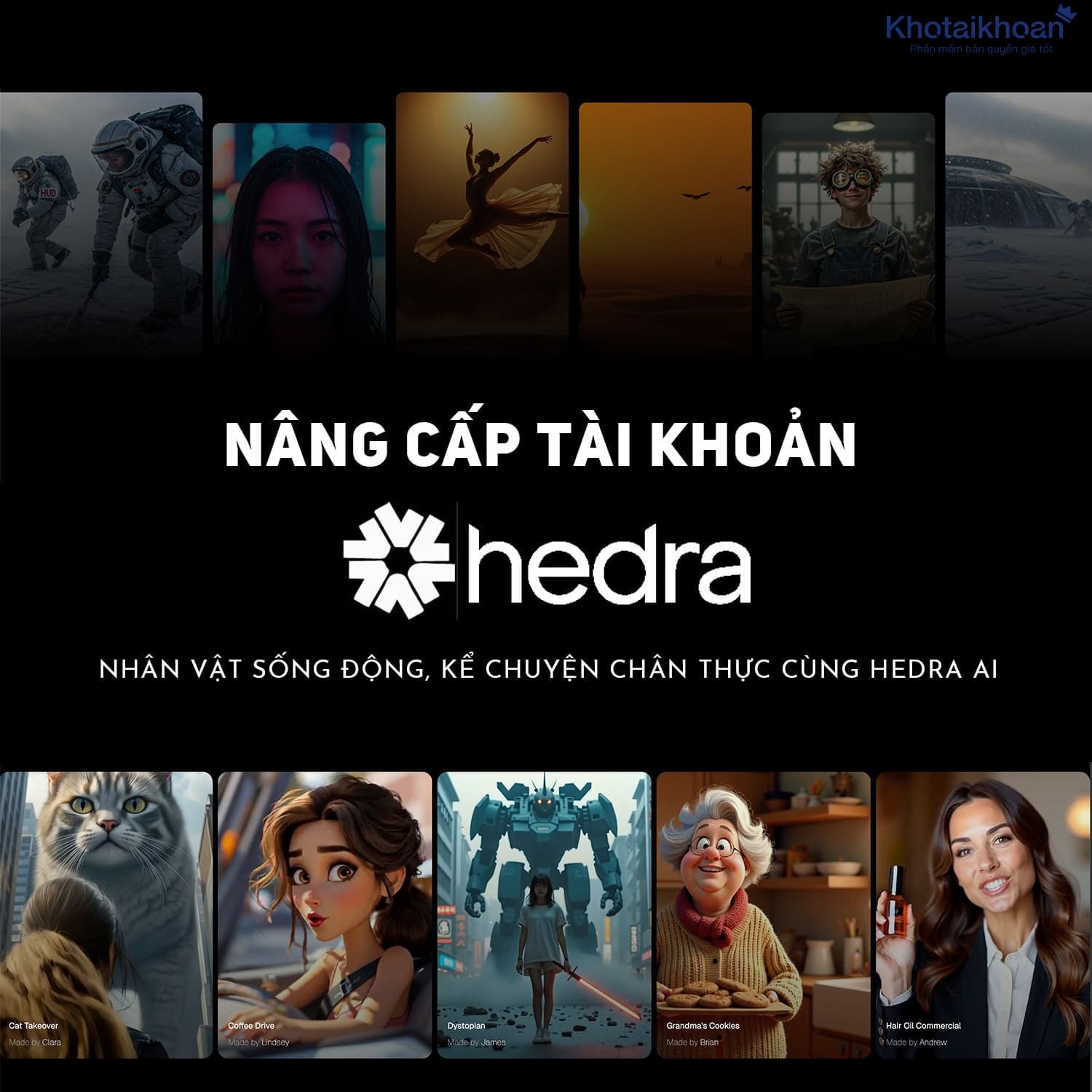
Upgrade Hedra AI account
11.90$
Product information
You seek ways to produce dynamic digital content that engages audiences. Hedra AI offers tools that let you generate videos, audio, and images with ease. This platform boosts your creative process and delivers professional results fast.
Explore Hedra AI Essentials
Hedra AI serves as a comprehensive studio for visual content creation. It uses advanced algorithms to turn simple inputs into polished media. You input text or images, and the system creates lifelike characters that speak, sing, or perform actions. This tool suits creators, marketers, and businesses who need quick video production.
Developers built Hedra AI to handle various media types. You start with an idea, and the platform guides you through generation steps. For example, upload a photo and add a script. The AI then animates the face with accurate lip movements and expressions. Users report that this cuts production time by hours compared to traditional methods.
Consider a marketer who needs a product demo. With Hedra AI, you create a talking avatar that explains features in a natural voice. This approach saves on hiring actors or videographers. The platform supports multiple languages, so you reach global audiences without extra effort.
Hedra AI integrates with existing workflows. You export files in common formats like MP4 for videos or WAV for audio. This flexibility lets you use the content on social media, websites, or presentations. Many professionals choose it for its speed and quality.
The core technology relies on machine learning models trained on vast datasets. These models predict facial movements based on audio inputs. You get realistic results because the AI analyzes phonemes and matches them to mouth shapes. Experts note that Hedra AI excels in handling emotions, adding subtle nods or smiles to enhance realism.
For beginners, Hedra AI provides templates. Select a pre-built character and customize it. This feature helps you learn the system without starting from scratch. Advanced users tweak parameters like head tilt or eye contact for finer control.
Security matters in content creation. Hedra AI ensures your data stays private during processing. Businesses value this for sensitive projects. The platform scales to handle large volumes, ideal for agencies producing multiple videos daily.
Standout Features in Hedra AI
-
Lifelike Character Animation: Generate avatars that move and speak naturally. You provide an image and audio, and Hedra AI syncs lips precisely. This feature works for singing or rapping too. For instance, create a music video where a character performs lyrics with rhythm.
-
Text-to-Video Conversion: Turn scripts into full videos. Input text, and the AI selects voices and visuals. You customize styles, like cartoon or realistic. Marketers use this to produce ads quickly, testing different versions for better engagement.
-
Audio Generation Tools: Create custom soundtracks or voices. Hedra AI offers voice cloning, where you record a sample and replicate it. This helps podcasters maintain consistent narration. Add effects like echo or pitch shift for creative outputs.
-
Image Enhancement Capabilities: Edit or generate images with AI. Upscale low-resolution photos or create new ones from descriptions. You describe a scene, and Hedra AI renders it. Designers apply this for concept art, saving time on manual drawing.
-
Multilingual Support: Handle content in various languages. The AI translates and adapts accents. Businesses expand markets by localizing videos. For example, convert an English tutorial to Spanish with accurate pronunciation.
-
Collaboration Features: Share projects with teams. You invite colleagues to edit in real-time. This streamlines feedback loops. Agencies report faster approvals using this tool.
-
Template Library: Access ready-made designs. Choose from categories like education or entertainment. Customize them to fit your needs. This speeds up production for users with tight deadlines.
-
Export Options: Download in high quality. Select resolutions up to 4K for videos. Integrate with editing software for further tweaks. This ensures your content meets professional standards.
These features make Hedra AI versatile. You adapt it to different projects, from short clips to long-form content. Users praise its intuitive interface, which reduces the learning curve.
Expand on animation: Hedra AI uses neural networks to model human expressions. It captures nuances like eyebrow raises or blinks. This level of detail sets it apart from basic tools. In a test, creators found that videos from Hedra AI received higher viewer retention rates due to engaging characters.
For audio, the synthesis engine produces natural intonations. You control emphasis on words to convey emotions. Podcasters use this to add drama to stories. Combine it with video for immersive experiences.
Image tools include style transfer. Apply artistic filters to photos. You turn a standard portrait into a painting-like avatar. This adds flair to your content without needing graphic skills.
Advantages of Hedra AI for Your Work
Hedra AI saves you time. Traditional video production takes days. With this tool, you finish in minutes. Focus on ideas instead of technical tasks.
You cut costs. No need for expensive equipment or talent. Generate content in-house. Small businesses benefit most, as they compete with larger firms on quality.
Boost creativity. The AI suggests variations. Experiment with different styles. You discover new ways to present information.
Improve engagement. Lifelike avatars hold attention. Viewers connect better with human-like presenters. Data shows interactive content increases shares by up to 30 percent.
Scale your output. Produce more without extra resources. Marketers create personalized videos for segments. This targeted approach raises conversion rates.
Ensure consistency. Use the same avatar across campaigns. Build brand recognition. Customers trust familiar faces.
Access advanced tech. Hedra AI updates models regularly. You get the latest improvements without manual upgrades.
For educators, Hedra AI creates explanatory videos. Explain complex topics with animated examples. Students grasp concepts faster.
In e-commerce, showcase products dynamically. Avatars demonstrate uses. This leads to higher sales, as buyers visualize benefits.
Content creators monetize faster. Generate videos for platforms like YouTube. Consistent output grows your audience.
Hedra AI supports accessibility. Add subtitles or sign language avatars. Reach wider groups.
You gain a competitive edge. Adopt AI early. Stand out in crowded markets.
Consider a case: A startup used Hedra AI for pitch videos. They impressed investors with professional demos. This secured funding quicker.
Another example: A teacher animated lessons. Student scores improved by 15 percent. Visual aids enhanced learning.
Freelancers expand services. Offer AI-generated content. Charge premium rates for efficiency.
Understand How Hedra AI Operates
Hedra AI follows a straightforward process. You begin in the inspire stage. Browse templates or use AI prompts. Generate ideas quickly.
Move to create. Upload inputs like images or text. Select options for style and duration. The AI processes and outputs media.
Refine your work. Edit elements like timing or effects. Preview and iterate. Export when satisfied.
Step one: Log in to the studio. Choose a project type.
Step two: Input your content. Type a script or upload audio.
Step three: Customize. Pick voices, expressions, backgrounds.
Step four: Generate. Wait seconds for the result.
Step five: Review. Make changes if needed.
This workflow fits busy schedules. You complete tasks without delays.
Under the hood, Hedra AI employs generative models. They learn from examples to produce new content. For videos, it aligns audio waveforms with visual frames.
You control quality. Set parameters for resolution or frame rate. Higher settings yield better outputs.
Integrate with other tools. Import from design software. Export to editing apps.
Learn through tutorials. Hedra AI offers guides for each step. Master it in hours.
For teams, assign roles. One handles scripts, another refines visuals. Collaborate seamlessly.
Monitor progress. The dashboard shows project status. Track usage for efficiency.
Adapt to needs. Use for quick posts or detailed productions. Flexibility defines Hedra AI.
Expand on inspire: AI suggests themes based on trends. You input keywords, get outlines.
In create, advanced options include motion tracking. Add gestures to avatars.
Refine tools offer analytics. See engagement predictions. Optimize before release.
Users build libraries. Save custom avatars for reuse. Streamline future projects.
Hedra AI handles large files. Process high-res inputs without issues.
Stay updated. Notifications alert new features. Incorporate them into your routine.
This system empowers you. Turn concepts into reality effortlessly.
Related products
Reviews (0)
No comments yet
Review Upgrade Hedra AI account
There are no reviews yet.