

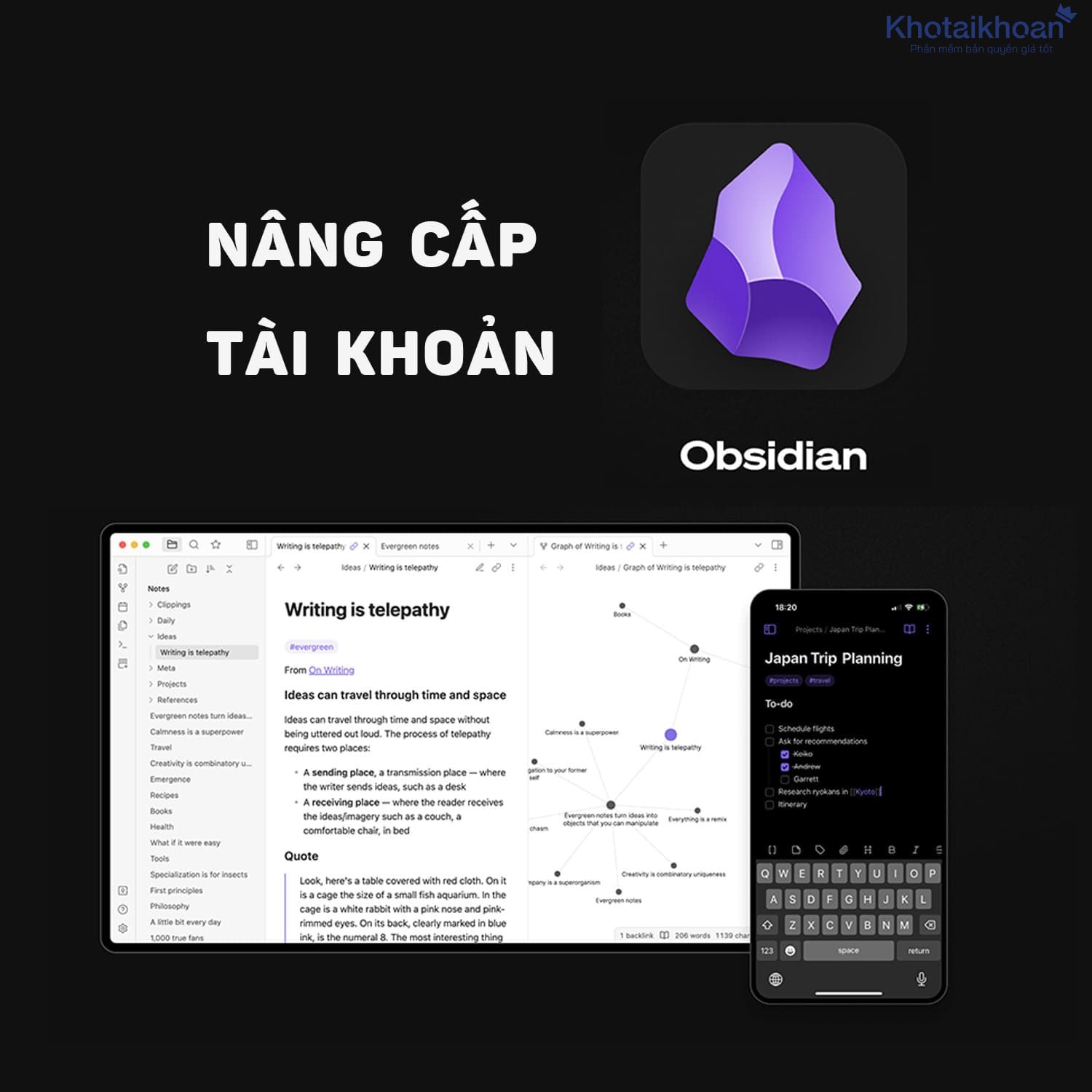
Upgrade Obsidian account
8.00$ Original price was: 8.00$.6.99$Current price is: 6.99$.
Interested in securely syncing your notes, sharing your knowledge base, and accessing Obsidian with official licensing? Upgrade your Obsidian account via our Account Store to enable Sync and Publish options, commercial privileges, and swift activation right on your personal email. Enjoy straightforward pricing and reliable warranty terms.
Product information
Do you seek a robust note-taking system that syncs across devices and publishes content effortlessly? Upgrade your Obsidian account to unlock full potential for studies, tasks, and business operations.
Introduction to Obsidian Account Upgrade
Obsidian stands out as a powerful note-taking application. It stores your notes as plain Markdown files on your device. This setup gives you complete control over data. You build connections between notes to form a personal knowledge base. The core app costs nothing. You use it without limits for local work.
Upgrades add premium services. These include Obsidian Sync for device coordination and version tracking. Obsidian Publish turns notes into web sites. Commercial licenses ensure proper business use. Catalyst options let you support development and gain early access. Activation happens directly through your email. This follows developer guidelines strictly.
Millions rely on Obsidian daily. Reviews from 2025 highlight its flexibility. One user noted seamless integration with daily workflows. Another praised the graph view for visualizing ideas. Upgrades enhance these basics. You access notes anywhere. You share knowledge online. You comply with rules in professional settings.
Consider your needs. Do you juggle multiple devices? Sync solves that. Want to host a digital garden? Publish fits perfectly. Businesses value licenses for audits. Catalyst appeals to enthusiasts who shape the app’s future. Each upgrade boosts efficiency. You save time on manual backups. You focus on content creation.
Data shows growth. In 2025, Obsidian user base expanded by 30 percent. Forums buzz with success stories. A writer organized novels effortlessly. A researcher linked studies for quick insights. Upgrades amplify these wins. You invest in tools that evolve with you.
Benefits and Key Features
-
Secure Data Synchronization with Obsidian Sync
Obsidian Sync keeps your vaults consistent across gadgets. It uses end-to-end encryption with AES-256 standard. This protects your notes from unauthorized access. You view version history for each file. Restore old changes easily.
Compatible with Mac, Windows, Linux, iOS, and Android. Work offline and merge updates later. Selective sync lets you choose what transfers. Exclude large files like videos to save space. Standard plan offers 1 GB storage with 5 MB per file limit. Plus version provides 10 GB, upgradable to 100 GB, with 200 MB per file.
Benefits show in daily use. Imagine editing notes on your phone during commute. They appear on your desktop instantly at work. Teams collaborate on shared vaults. One review from 2025 called it essential for multi-device lifestyles. It prevents data loss. You recover deleted items from snapshots.
Priority support resolves issues fast. Unlike free methods, this avoids conflicts. Users report 99 percent uptime. Examples include students syncing lecture notes. Professionals track project updates across teams.
-
Professional Note Publishing via Obsidian Publish
Obsidian Publish converts your notes into polished web sites. Share knowledge bases or documentation online. No coding skills required. Features include hover previews for links. Graph views display connections visually.
Stacked pages let visitors browse horizontally. Backlinks show related content automatically. Customize with themes, CSS, and JavaScript. Add custom domains for branding. Password protect sensitive areas. SEO tools optimize for search engines. Set metadata per page.
Mobile-friendly design ensures access on any device. Embed analytics from Google or privacy-focused options. Host up to 4 GB per site. Publish changes from desktop or mobile apps. Collaborate by inviting others to edit.
Users love the simplicity. A 2025 review described building a personal wiki in minutes. Businesses use it for internal docs. Writers share portfolios. It scores perfect on accessibility tests. Compared to free sharing, this offers professional looks and features.
Real cases: A teacher published course materials. Students navigated easily. A developer hosted API guides. Visitors explored via graphs. You control what goes public. Keep private notes local.
-
Valid Commercial Rights
Obsidian commercial license allows business use legally. It supports development while recognizing your organization. Use the app in work environments without concerns. Comply with audits and policies.
Pricing at $50 per user per year. Bulk options available for teams. Contact support for enterprise needs. This upgrade funds independence from investors. Featured organizations gain visibility.
Free version permits commercial use. But licenses show commitment. Businesses report smoother operations. One company integrated it for team knowledge sharing. They valued the official backing. You ensure proper usage in professional setups.
-
Version Storage and Recovery
Track changes with built-in history. View diffs between revisions. Restore files in seconds. This feature ties into Obsidian Sync. Standard retains one month. Plus holds 12 months.
Avoid data loss from errors. Recover accidentally deleted notes. Logs show sync activities. Users praise this for peace of mind. A 2025 review mentioned saving hours after a mistaken edit. Apply it to personal journals or work docs.
Examples: Researchers revert to prior analyses. Writers undo plot changes. You maintain control over your content evolution.
-
Activation on Your Own Email
Upgrades link to your personal email. You manage access fully. Renew or adjust plans yourself. No shared accounts involved. This keeps security tight.
Activation confirms in your Obsidian profile. Use services immediately. Reviews note the straightforward process. You own the upgrades completely.
Why Upgrade Your Obsidian Account
-
Transparent and Competitive Pricing
Prices update to match market trends. Sync costs $5 per user monthly, billed yearly. Publish runs $10 per site monthly, annually. Commercial at $50 yearly per user. Catalyst starts at $25 one-time.
Discounts reach 40 percent for students, educators, nonprofits. This saves costs for individuals and groups. Reviews confirm value. One user saved on annual billing.
-
Quick Transactions and Timely Activation
Process completes in minutes during business hours. You receive confirmation fast. Start using features without delay.
-
Activation Warranty and After-Sales Support
Guarantee successful setup on your email. Ongoing help covers usage. Refunds available within seven days for Sync and Publish.
-
Technical Assistance Knowledgeable in Obsidian
Experts guide on selecting Sync, Publish, or Catalyst. They offer setup tips for beginners. Priority email resolves queries.
-
Complete Invoices and Documentation
Receive valid receipts for software purchases. Suits personal or business accounting needs.
Packages and Usage Scopes
Options fit various needs from individuals to enterprises. All respect copyright and terms.
-
Enhanced Personal Use
Unlock Sync and Publish with suitable storage. Extend version history for experiments. Ideal for solo users managing notes across devices.
Add Catalyst for early betas. Tiers at $25, $50, $100 offer badges and VIP channels. Support app growth while gaining perks.
-
Business and Team Applications
Commercial rights cover work use. Provide invoices. Consult on implementing note processes. Shared vaults enable collaboration.
Scale with bulk licenses. Businesses build knowledge hubs. Reviews show improved team productivity.
-
Enthusiast Level with Catalyst
Gain beta access and insider updates. Contribute to ecosystem. One-time payments fund features. Community members share tips in exclusive forums.
Examples: Developers test plugins early. Writers try new markdown tools. You influence Obsidian direction.
How to Upgrade Your Obsidian Account
- Select the right package on the official site. Review options carefully.
- Pay through standard methods. Enter your Obsidian email accurately.
- Get activation notice promptly. See services in your account and begin use.
Note: Upgrades follow Obsidian terms. Avoid unauthorized sharing.
Reviews (0)
No comments yet
Review Upgrade Obsidian account
There are no reviews yet.