

Upgrade your Canva account to 12 months.
Price range: 2.99$ through 47.99$
- Once your order is completed, Gamikey will send an invitation link to your email. Please check your inbox and click the link to activate your plan.
- Do not leave the group you have been added to on your own, and do not change the email address during usage.
For Admins:
- After completing the order, Gamikey will provide Canva account login details so you can access the service.
- Any actions such as modifying the subscription plan, changing the payment method, or adding more members than the allowed limit will result in the loss of Gamikey’s warranty policy.
Note: If the Admin account is used to add more members than permitted and the account encounters issues, Gamikey will refuse to provide warranty support.
Product information
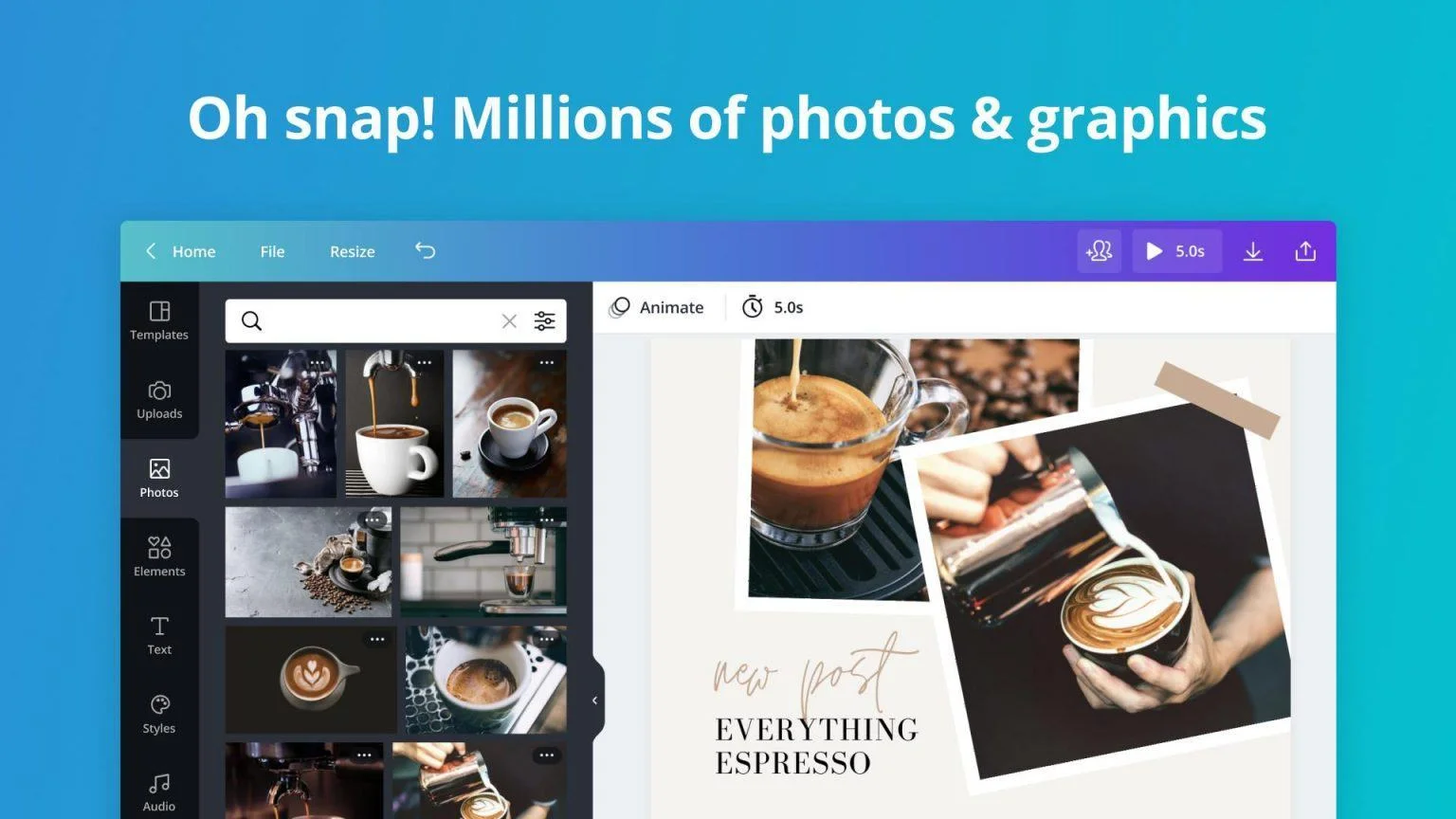
Canva provides a powerful online platform for graphic design. Users create professional visuals quickly with simple drag-and-drop tools. Upgrading to Canva Pro unlocks full access to over 100 million premium stock photos, videos, audio tracks, graphics, and thousands of advanced templates. This version empowers creators to build dynamic content, edit videos with precision, add animations, stickers, and effects that capture attention effectively.
Advantages of Upgrading to Canva Pro
Canva Pro delivers tools that transform everyday designs into professional assets. Explore the core features that make the upgrade valuable.
- Access millions of royalty-free photos, videos, music tracks, icons, and illustrations. Create without copyright concerns.
- Use exclusive premium fonts to match brand identity perfectly.
- Remove backgrounds instantly with one click. Generate transparent PNG files or swap backgrounds in seconds.
- Resize designs automatically for any platform. Convert a single file to Instagram posts, stories, Facebook covers, or YouTube thumbnails without manual adjustments.
- Collaborate in real time. Team members edit, comment, and approve designs together from any device.
- Organize projects into folders. Find past work quickly and keep everything structured.
- Build a Brand Kit. Store logos, brand colors, and fonts. Apply them consistently across all new designs with one click.
- Save custom templates. Reuse branded layouts repeatedly for faster production.
- Export files in multiple formats: high-resolution PNG, JPG, PDF, SVG, MP4 videos, or animated GIFs.
- Download print-ready files with maximum quality and no compression loss.
- Schedule posts directly from Canva. Plan and publish content to Facebook, Instagram, LinkedIn, Pinterest, and Twitter without leaving the platform.
- Enjoy unlimited cloud storage. Keep every project safe and accessible from anywhere.
Key Features That Boost Productivity
Professionals and teams choose Canva Pro because specific tools solve real workflow problems.
- Magic Studio tools use AI to generate images, rewrite text, create animations, and expand content ideas rapidly.
- Video timeline editor lets you trim clips, sync audio, add transitions, and overlay text or graphics smoothly.
- Thousands of animated elements and stickers bring static designs to life in seconds.
- Transparent brand control ensures every team member produces on-brand content without constant reviews.
- Version history tracks changes and restores previous drafts easily.
- One-click presentation mode turns designs into interactive slideshows instantly.
Who Benefits Most from Canva Pro
Social media managers produce daily content faster. Small business owners maintain professional visuals without hiring designers. Marketing teams coordinate campaigns efficiently. Educators create engaging teaching materials. Content creators develop thumbnails, banners, and videos that stand out.
Information About the Product
Canva Pro includes:
- Unlimited access to premium stock library (100+ million assets)
- Background remover and Magic Erase
- Magic Resize and Brand Kit
- Custom templates and folders
- Team collaboration and real-time editing
- Content Planner for scheduling posts
- Unlimited cloud storage
- High-resolution exports and print-ready files
- Full video editing suite
- Premium fonts and graphics
Practical Examples of Daily Use
A freelancer designs ten Instagram posts in under an hour using templates and Brand Kit. A startup founder creates pitch decks, social graphics, and flyers that look agency-made. A teacher builds interactive worksheets and presentation slides weekly. A YouTuber produces custom thumbnails and end screens that increase click rates noticeably.
How Collaboration Works in Practice
Invite team members by email. Set permission levels: view, comment, or edit. Everyone sees changes instantly. Leave pinned comments on specific elements. Approve final versions with one click. All activity stays synced across devices.
Video Creation Capabilities
Import clips or choose stock footage. Trim and arrange on timeline. Add music from the library. Insert text animations and transitions. Include stickers or illustrations. Export as MP4 or GIF. Publish directly or download for other platforms.
Why Creators Choose Premium Tools
Free versions limit access to premium assets and advanced features. Watermarks appear on some exports. Storage caps fill quickly. Teams cannot collaborate smoothly. Scheduling tools remain unavailable. Upgrading removes these barriers and unlocks professional results.
Time Savings in Real Projects
Resizing manually takes minutes per format. Magic Resize completes it in seconds. Searching free stock images wastes hours. Premium library offers instant high-quality options. Building brand consistency from scratch demands constant checks. Brand Kit applies rules automatically.
Quality Difference
Premium assets feature higher resolution and better composition. Exclusive fonts provide unique typography. Advanced editing produces polished outcomes that compete with professional software.
Canva Pro equips users with everything needed to produce standout visuals efficiently. The platform combines ease of use with powerful capabilities that serve individuals, teams, and businesses effectively.
Related products


Reviews (0)
No comments yet
Review Upgrade your Canva account to 12 months.
There are no reviews yet.